11
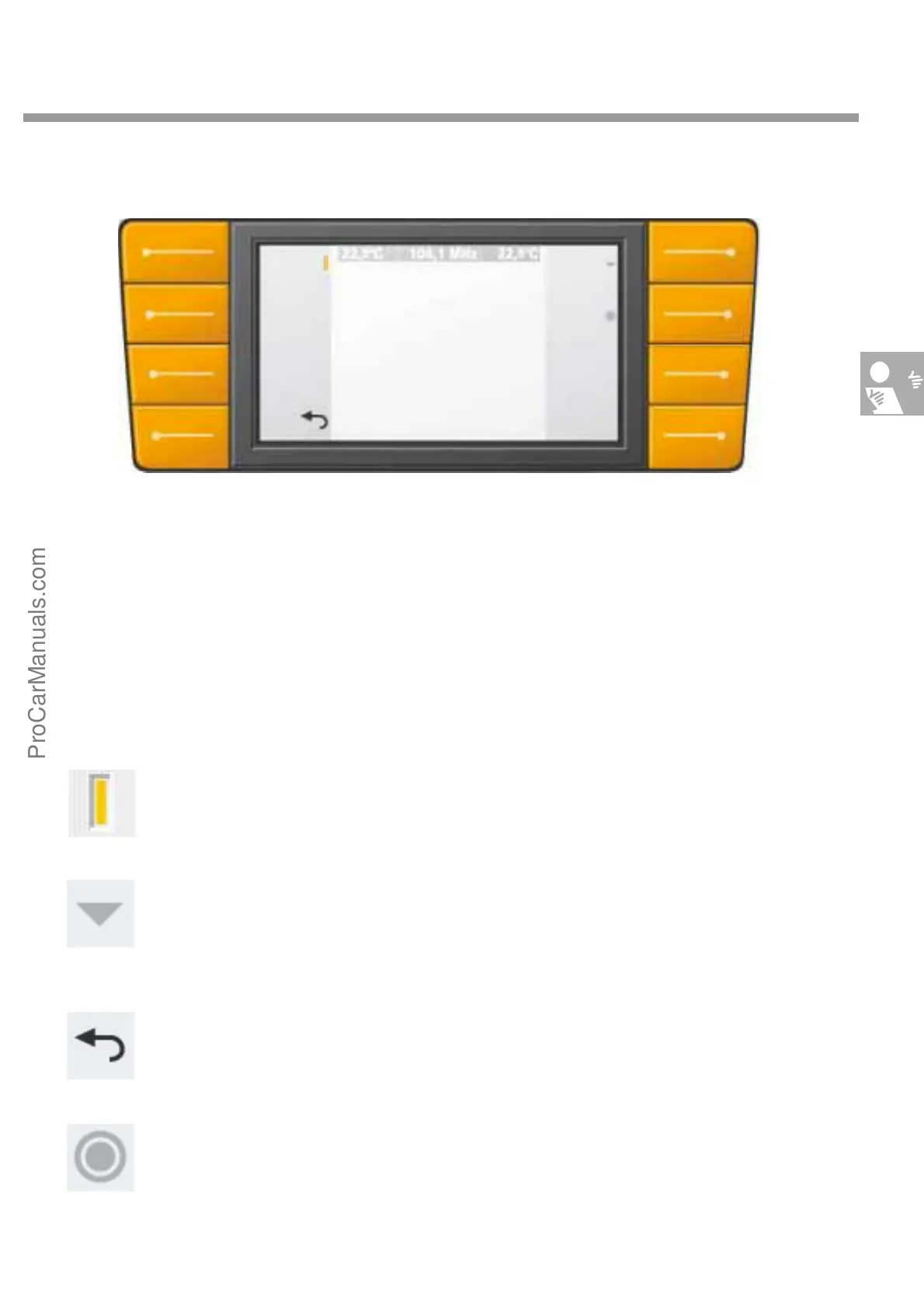
Function keys
There are 8 function keys arranged on the left
and right of the 7" colour screen. The function of
these function keys is different depending on
whether the main menu or a submenu is selected.
This means that the button function is
menu-dependent. Each button function is
described by terms or icons in the two
dark border strips of the colour screen.
The icons relating to the function keys
have the following functions:
The function keys switch a function on or off. An active function is displayed on screen by a
colour icon similar to an LED.
A second function of the function keys is to select submenus. This is indicated on the screen
by a small triangle next to the button. When a submenu is started, the user is guided down
through the menu system.
To return to the previous level, a function key always has a "Back" or "Cancel" function indi-
cated by an arrow.
Another possibility is to use the rotary/push knob to select or confirm a function. This option
is indicated on screen by a small circled dot next to the button.
Back
S274_011
ProCarManuals.com



 To Next Page