23
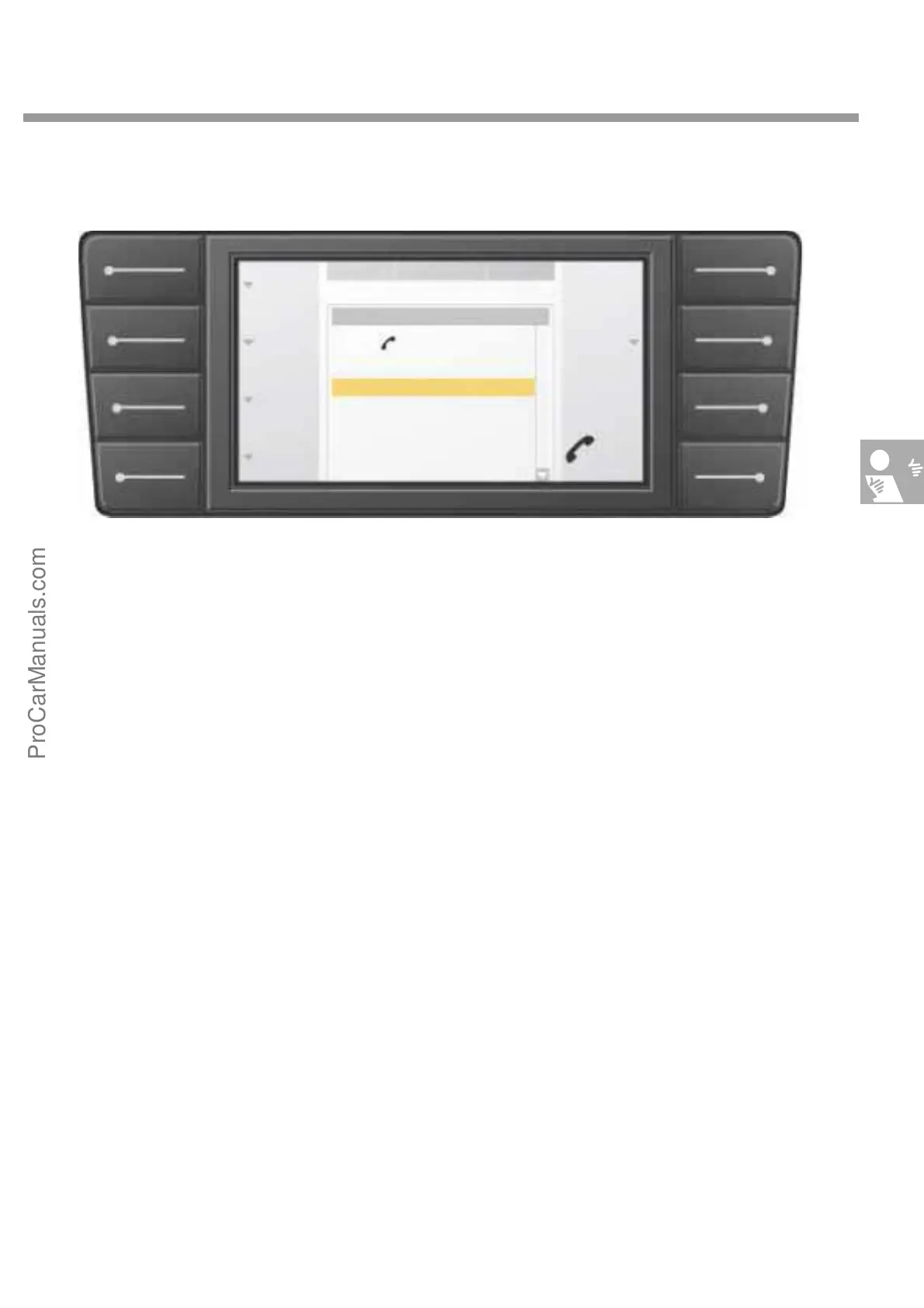
Phone main menu
When the phone function is switched on by
pressing the main menu key "Phone", the driver
is requested to enter the PIN code.
You can enter the PIN using the rotary/push
knob of by language input. When the system
accepts the PIN code, the phone main menu
appears.
The computer requires about 30 seconds to load
the telephone directory from the mobile phone to
the system. Before switch-off the computer com-
pares the stored entries with the connected
mobile phone and updates the memory entries in
the mobile if necessary. If the mobile phone is
switched off, the driver must enter the PIN code
again, and the telephone directory is down-
loaded again from the mobile phone.
All entries in the telephone directory are dis-
played in the form of an on-screen list.
The entries are selectable and confirmable by
using the rotary/push knob.
Using the rotary/push knob and another
submenu, you can correct existing entries or add
new entries to the directory. Select and confirm
letters and numbers from the alphabet using the
rotary/push knob.s
NDR 2
Phone
book
Redial
Caller
list
Options
SOS
Correction
23.5° C 18° C
PHONE
0
1
2
3
4
5
Save
05 3 1
Manual dial
Dial
S274_083
ProCarManuals.com



 To Next Page