www.volta.com.tr
16
www.volta.com.tr
16
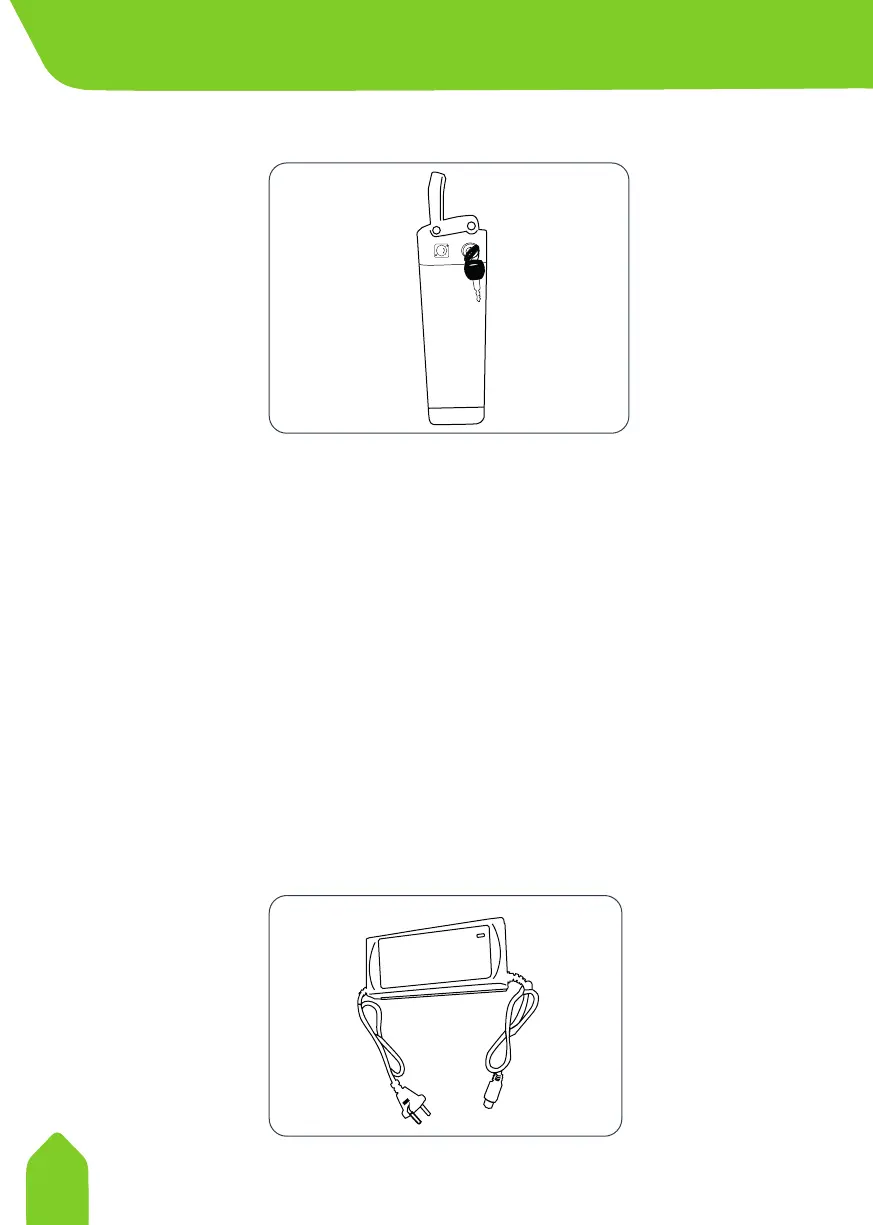
Remove the batters by turning the switch to “Open Lock” position.
This will ensure that you remove and charge the battery.
1. Charge socket is placed on upper parts of the battery.
2. Plug charger cable on charge socket on the battery.
3. Plug charger on correct electric socket (220v50hz).
Turn network source on to begin charging process.
During charging, the battery charge indicator flashes RED. Charging
time can take 2-8 hours depending on how much is needed. LCD
Display it turns GREEN when fully charged. When GREEN light is
cover, charge will continue to be applied.
NOT:
Always connect the charging cable with the charger turned o.
Removing Battery for Charging
ON
.
P
U
S
H
I
U
N
L
O
C
K
O
F
F
.
4. CHARGING THE VEHICLE



 To Next Page