TROUBLESHOOTING TIPS
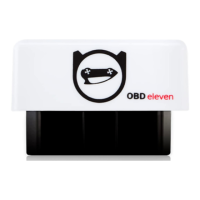
1. If your phone do not nd OBDeleven device via phone
Bluetooth settings:
• Make sure that RED power LED on device is active
• Disable and then enable phone Bluetooth
• restart your phone
• Try to search for device via Bluetooth settings with vehicle
ignition turned off
• Make sure that your phone is not connected to any other
Bluetooth device (car media, hands-free etc.)
• Try to unpair all paired devices
2. If the device is plugged into the vehicle and indicator light
is not turning on, contact support@obdeleven.com


 To Next Page