www.Volumatic.com 25-201679 CE Advanced Configuration Manual Issue 4.0 Feb 2011
Page 4 of 6
PACK TOLERANCE?
This menu option allows you to adjust the tolerance that is allowed when in Pack Check Mode for notes or
Auto Check Mode for coins to between the ranges of ± 0.1 items to ± 5 items. For example, if a full bag
contains 100 coins and the tolerance for that denomination in bags is set to ± 4, then Auto Check Mode on
coins would accept a bag with anything between 96 and 104 coins as a ‘good’ bag.
This feature should only be used where the user fully understands the implications of changing the tolerance level.
To enter PACK TOLERANCE press the button when the display reads PACK TOLERANCE?
Use the button to scroll through the PACK options of ROLLS? BAGS? or NOTE PACKS?
When the PACK option you require is displayed press the button to select.
Use the button to scroll through the denomination options available.
To select to adjust the tolerance press the button when the required denomination is displayed.
Use the button to adjust the tolerance to the required setting and then press the button to accept the new
tolerance.
To move back to the main menu options press the button twice.
SET ONLINE?
This menu option allows CountEasy to enter ‘online’ mode whereby it will communicate with a host computer.
This option is as standard set to OFF and should not be changed without first consulting with the CountEasy helpdesk
– the number for which can be found on the label on the underneath of the machine.
CALIBRATE 500g?
This menu option allows CountEasy to be completely recalibrated using a calibrated 500g weight or two full
bags of 20p’s that also weigh 500g.
You should only ever recalibrate your CountEasy with a 500g weight as a last resort after all other possible reasons for
the machine miscounting have been exhausted – refer to the ‘Frequently Asked Questions / Troubleshooting Guide on
the CountEasy website on the ‘CountEasy Downloads’ page.
To enter CALIBRATE 500g press the button when the display reads CALIBRATE 500g?
IF YOU HAVE A CALIBRATED 500g WEIGHT ……….
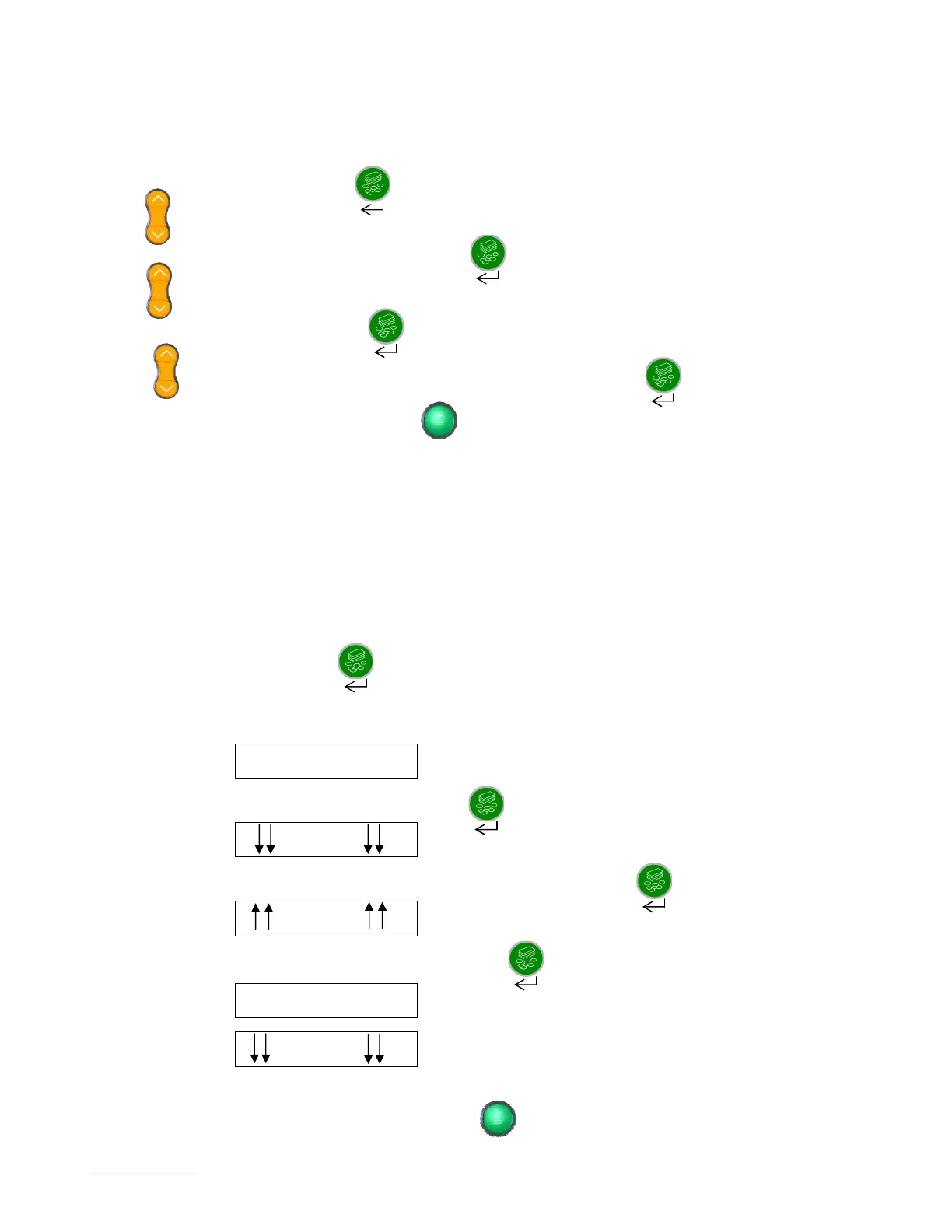
Follow the screen prompts as detailed below:
Screen Prompt:
EMPTY HOD?
OK?
Make sure there is nothing on the hod and then press the button to OK.
Screen Prompt:
500 g
OK?
Place the calibrated 500g weight directly onto the machine’s hod and then press the button to OK.
Screen Prompt:
500 g
OK?
Remove the 500g weight from the machine’s hod and press the button to OK.
The screen will
momentarily read:
DONE
and will then read: 500 g
OK?
Place the 500g weight back on the machine’s hod. The display will now show a weight which should be 500g or within
± 0.2grams.
Remove the 500g weight from the hod and then press the button


 To Next Page
 Loading...