Starting Using the Start/Stop Panel
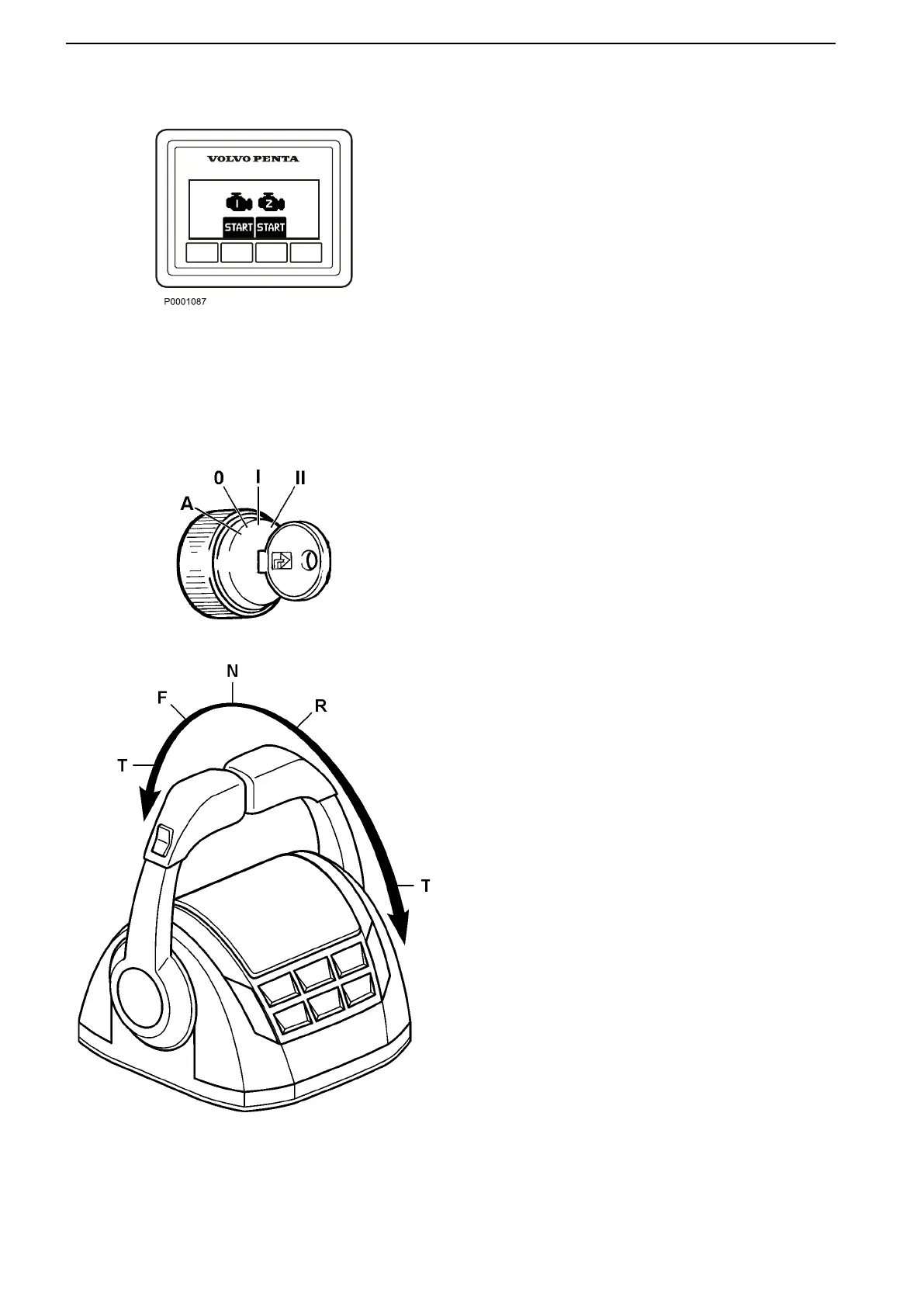
Press the starter button for each engine. Release the
button as soon as the engine has started. If you start
from a secondary station, the starter key at the main
control station must be in the ignition ON engine OFF
position. Stop cranking if the engine does not start
within 20 seconds.
If a station is active and locked, the engine(s) can
only be started from that station.
EVC engines are equipped with an auto-crank fea-
ture. Pressing the start button will cause the
engine to continue to crank for up to 5 seconds or
until the engine starts. Should you need to stop
cranking, simply press the stop button.
Starting the Engine
21181
51809a
EVC engines are equipped with an auto-crank feature.
Momentarily turning the key to the start position, then
releasing it back to the ON position I will cause the
engine to continue to crank for up to 5 seconds or until
the engine starts.
If you attempt to execute a “fast crank” (turning the key
from OFF immediately all the way to START), there will
be a 3–5 second delay while EVC “warms up.”
1. Move the control handle to the NEUTRAL detent
position N.
2. Turn the ignition switch to START II. If the engine
does not start, try again.
NOTICE! If engine cranking needs to be aborted, the
key can be turned to the OFF position 0.
NOTICE! Never leave the key in the ON I (RUN) posi-
tion with the engine not running.
NOTICE! If the engine floods during a start, simply fol-
low the directions provided in the section entitled
Flooded Engine: EVC Engines to restart the engine.
Starting
66 47701898 12-2010



 To Next Page