Random
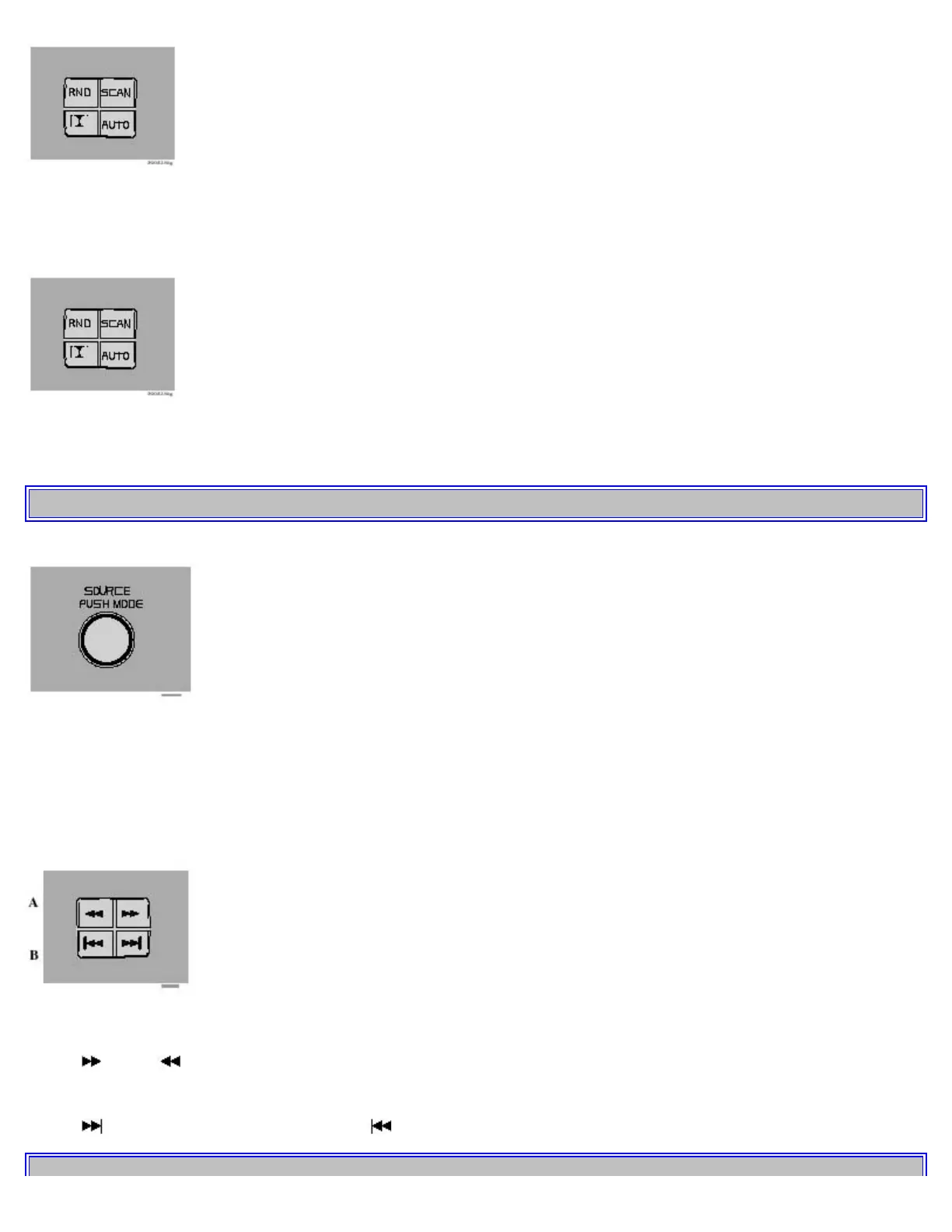
Press "RANDOM" to connect the random function. The unit plays tracks from the disc in random order. "RND"
(random) is displayed as long as the function is activated.
Scan
Press "SCAN" for a longer period to connect the scan function. The unit plays the first 10 seconds of each track.
"SCAN" is displayed as long as the function is activated.
pg. 139 CD Changer
CD changer - on
Turn "SOURCE" to activate CD changer position. The CD changer continues playing the disc and track that was
playing last. If the CD changer magazine is empty "LOAD CARTRIDGE" is displayed.
Selecting disc
Turn the "1-20 DISC" knob. The disc number and track is displayed.
A - Fast winding
Press " " or " " to seek within a track.
B - Skipping or Selecting a track
Press "
" to skip to the previous track or " " to skip to the next track. The track number is shown in the display.


 To Next Page
 Loading...