05 Comfort and driving pleasure
Menu source MY CAR
05
204
* Option/accessory, for more information, see Introduction.
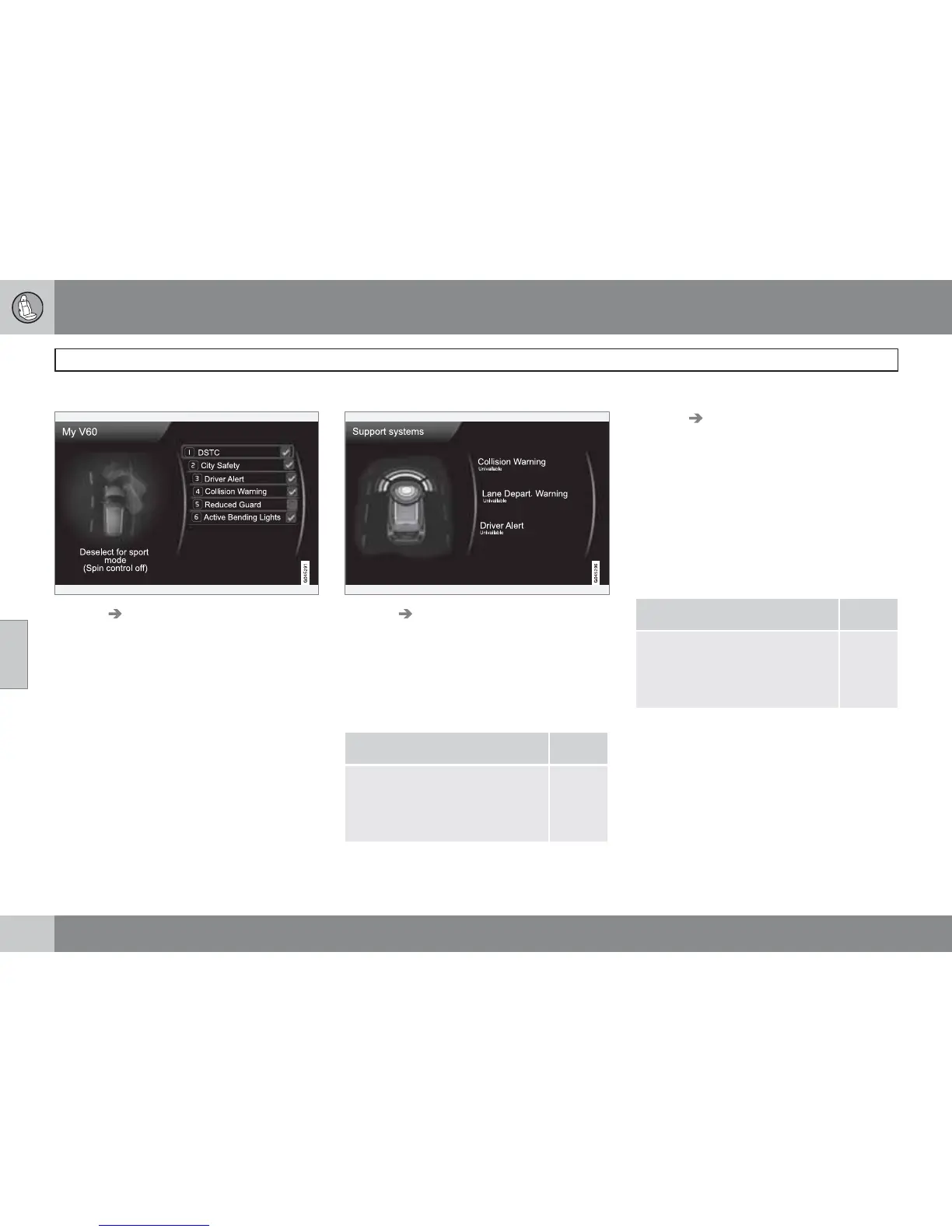
My V60
MY CAR My V60
The display screen shows a grouping of all of
the car's driver support systems - these can be
activated or deactivated here.
My DRIVe*
Parts of Volvo's DRIVe concept are described
here, amongst other things.
•
Start/Stop
•
Eco driving guide
For more information - see page 127.
Driver support system
MY CAR Support systems
The display screen shows a summary of the
current status of the car's driver support sys-
tems.
Setup - menus
The menus are structured as follows:
Menu level 1
Menu level 2
Menu level 3
Menu level 4
p. x
Shown here are the 4 first menu levels under
MY CAR
Settings. Some menus have fur-
ther submenus - these are then described in
detail in their respective sections.
When selecting whether a function should be
activated/
On or deactivated/Off a square is
displayed:
On: Selected square.
Off: Empty square.
•
Select On/Off with OK - then back out of
the menu with EXIT.
Car settings
Car key memory
On
Off
p. 81
and
103


 To Next Page
 Loading...