06 Infotainment system
General information on infotainment
06
* Option/accessory, for more information, see Introduction.
239
Select main source by pressing a main source
button (1) (RADIO, MEDIA, TEL). To navigate
in the source's menus, use the controls for
TUNE, OK/MENU or EXIT.
Use TUNE to scroll in the menu, select the
highlighted menu bar with OK/MENU or go
back with EXIT. In some cases it is possible to
access a shortcut menu by pressing the active
source's main source button (1).
For Menu overview, see page 241.
NOTE
If the car is equipped with a steering wheel
keypad with a thumbwheel*, these can be
used instead of the controls in the centre
console (TUNE, OK/MENU, EXIT), see
page 236.
Views in the TV screen
For each main source there are four basic
types of views:
•
Normal view (2) - normal mode for the
source
•
Shortcut menu (3) - shows commonly
used menu options in the main sources
TEL and MEDIA (accessed by pressing the
active source's main source button (1)).
•
Quick view (4) - fast mode when TUNE is
turned, e.g. for changing disc tracks, radio
station, etc.
•
Menu view (5) - for menu navigation
(accessed by pressing OK/MENU).
The views have different appearances depend-
ing on the source, in-car equipment, settings,
etc.
Pop-up menu
8
video and TV*
Press OK/MENU when a video file is being
played back or TV* is being shown in order to
access the pop-up menu.
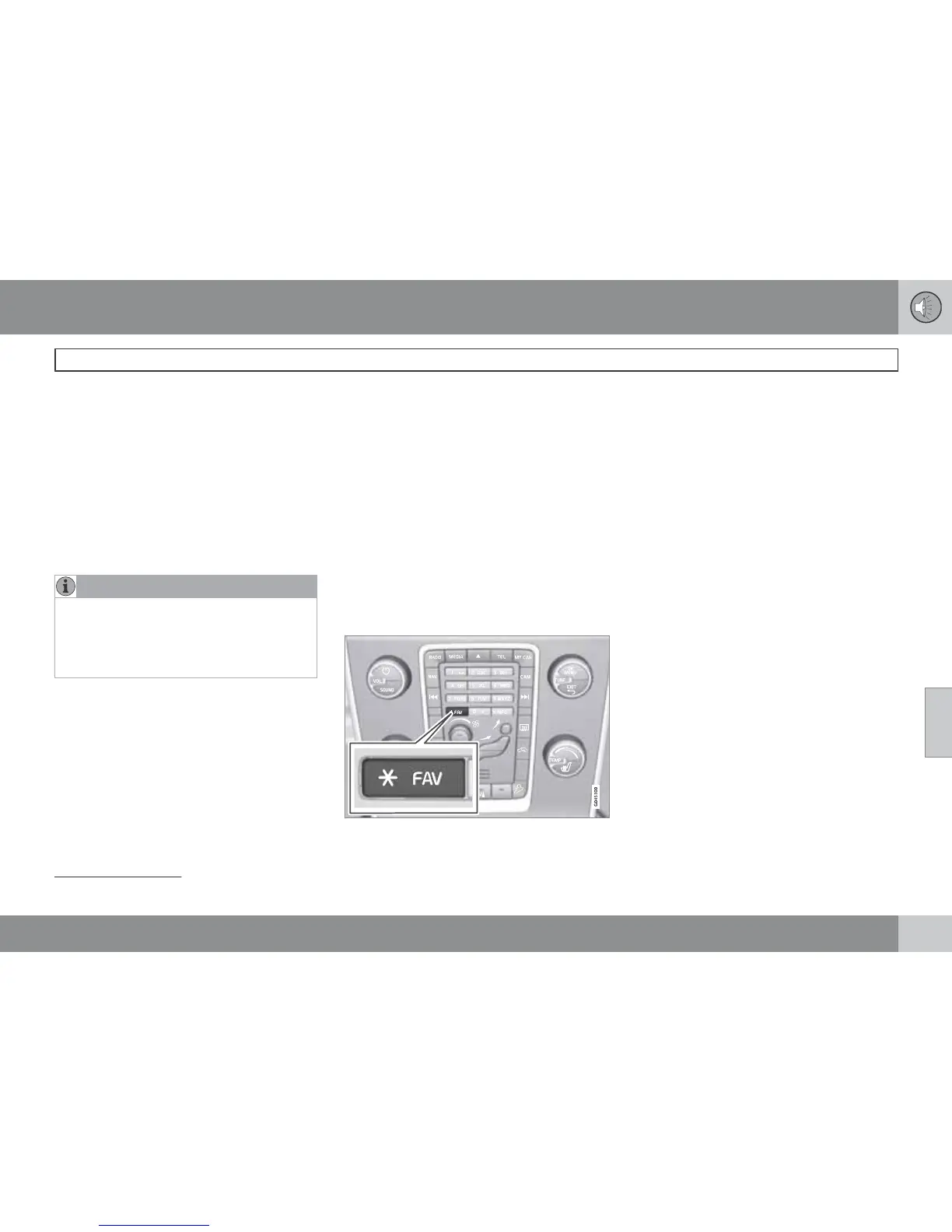
FAV - store a preset
The FAV button can be used to store functions
that are used frequently so that the function
can be started simply by pressing FAV. You
can select a favourite (e.g.
Equalizer) for each
function as follows:
In RADIO mode:
•
AM
•
FM1/FM2
•
DAB1*/DAB2*
In MEDIA mode:
•
DISC
•
USB*
•
iPod*
•
Bluetooth*
•
AUX
•
TV*
It is also possible to select and store a favourite
for MY CAR, CAM* and NAV*. Favourites can
also be selected and stored under MY CAR.
For more information on the menu system MY
CAR, see page 202.
To store a function in the FAV button:
1.
Select a main source (e.g. RADIO,
MEDIA).
2.
Select a wavelength or source (
AM, Disc,
etc.).
8
Only applies when playing back videos or displaying TV*.













 To Next Page