02 Locks and alarm
Locking/unlocking
02
* Option/accessory, for more information, see Introduction.
61
Temporary deactivation
Active menu options are indicated with a cross.
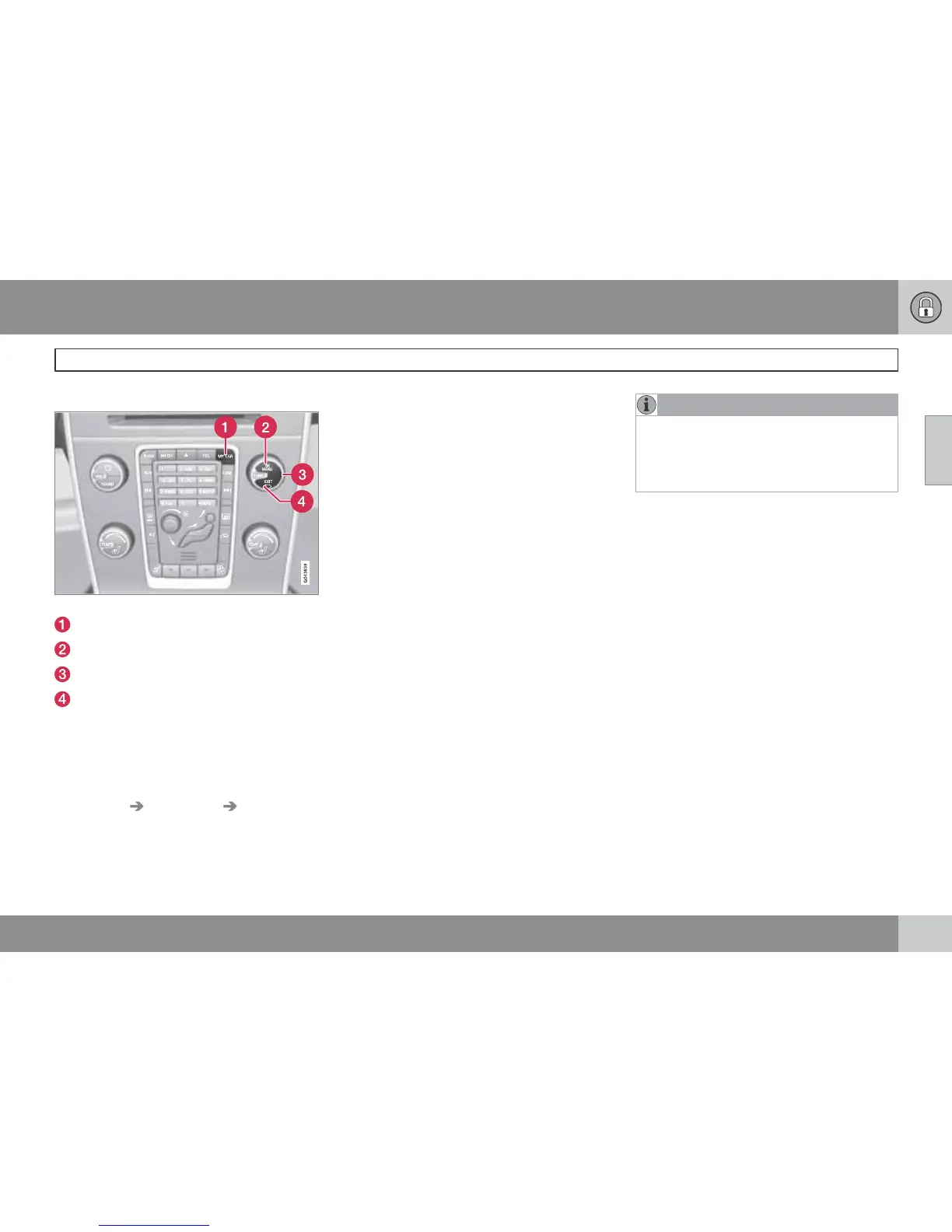
MY CAR
OK MENU
TUNE knob control
EXIT
If someone is going to stay in the car but the
doors must be locked from the outside, then
the deadlocks function can be temporarily
switched off. This is carried out as follows:
1.
Access the menu system MY CAR under
Settings
Car settings Reduced
Guard (for a detailed description of the
menu system, see page 202).
2.
Select
Activate once.
> The instrument panel display shows the
message
Reduced guard See
manual
and the deadlocks function is
switched off when the car is locked.
or
–
Select
Ask when exiting.
> Each time the engine is switched off the
centre console display screen shows
the message
Activate Reduced Guard
until engine has started again?
fol-
lowed by the alternatives
Confirm with
OK
and Cancel with EXIT.
If the deadlocks function shall be switched
off
–
Press OK/MENU and lock the car. (Note
that the alarm's movement and tilt detec-
tors* are switched off at the same time, see
page 64.)
> The next time the engine is started, the
system is reset to zero and the instru-
ment panel display shows the message
Full guard at which the deadlocks
function and the alarm's movement and
tilt detectors are re-engaged.
If the locking system shall not be changed
–
Press EXIT and lock the car.
NOTE
•
Remember that the alarm is activated
when the car is locked.
•
If any of the doors are opened from the
inside then the alarm is triggered.












 To Next Page