More instructions :
A. Sleep Mode:
Screen will auto turn off in 30s without
operations, and will enter standby mode in
30min without operations/usage after screen
is turned off. To activate, press power button.
B. Charging Mode :
The device will enter charging state with the
battery icon running when it’s connected to
5V power supply with USB cable; when the
device is fully charged, the battery icon will
stop running.
Note:It takes 3 hours to fully charge the
device (5V/2A charger required).
C. Computer customization :
You can do the following customization
operations via the VOOPOO Firmware:
Prompt page, Temperature coefficient,
Temperature curve, Wattage Curve, Increase
/Decrease Coil type and Device Upgrade etc.
Download address:http://www.voopoo.com.
D. Function tips :
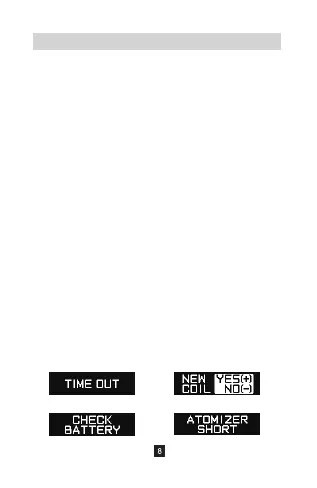
TIME OUT CHECK COIL
LOW WATTAGE ATOMIZER SHORT


 To Next Page