l. Sleep Mode:
If there is no operation for 30 seconds, screen
will turn off. No operation for 30 minutes after
the screen off, the device will enter sleep mode.
If resistance was changed before sleeping mode,
screen will prompt YES/NO on interface; If
resistance was changed in sleep mode, screen
will not prompt YES/NO on the interface. Press
any key can recover display from sleep mode.
J. Customization:
You can set the device through computer
firmware which developed by Woody Vapes Inc.,
For example you can set: pictures, temperature
data, temperature curve and power curve etc,
Make sure every puff you can get the best taste
and comfortable feeling.
K. Charging:
When connecting the USB charger with 5V
power source, it will go into charging mode. At
the first 30 Seconds of charging, the battery icon
will show the charging start.
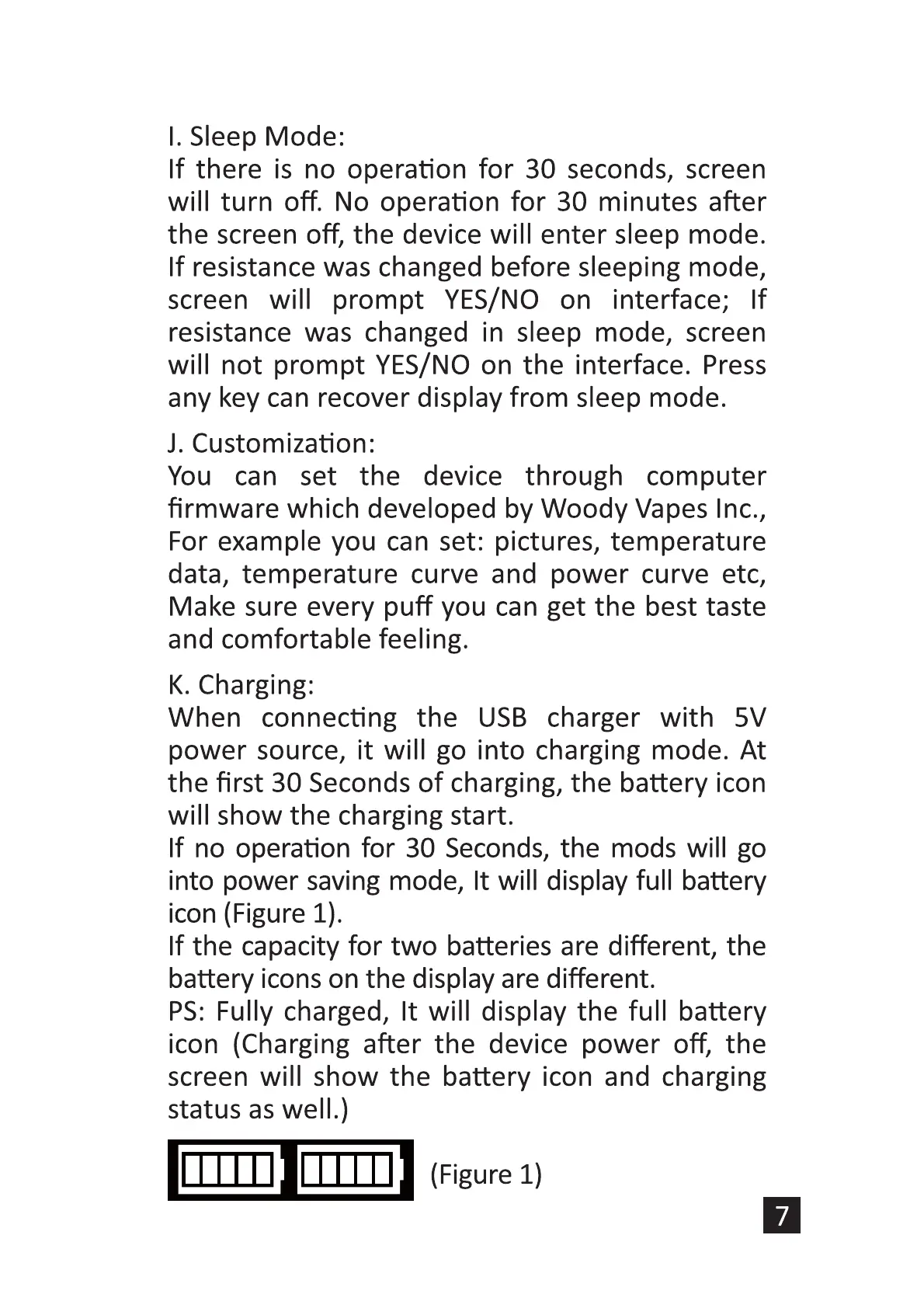
If no operation for 30 Seconds, the mods will go
into power saving mode, It will display full battery
icon (Figure 1).
If the capacity for two batteries are different, the
battery icons on the display are different.
PS: Fully charged, It will display the full battery
icon (Charging after the device power off, the
screen will show the battery icon and charging
status as well.)
(Figure 1)


 To Next Page
 Loading...