H. Customization Mode:
Press up and down buttons simultaneously for
1.5 Seconds, the device will go to the function
menu Interface. Press up and down button to
choose the Customization Mode and press fire
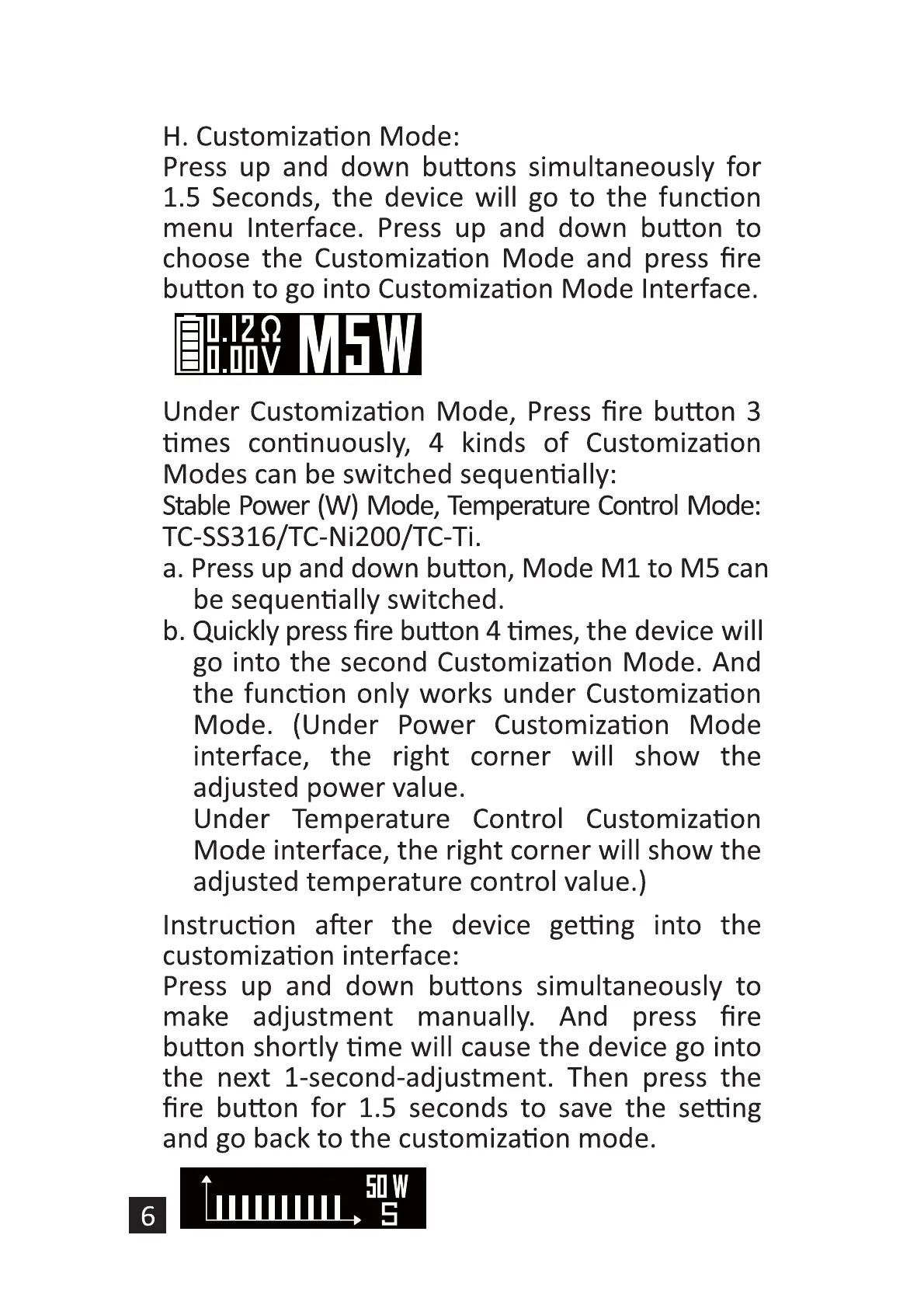
button to go into Customization Mode Interface.
M5W
Under Customization Mode, Press fire button 3
times continuously, 4 kinds of Customization
Modes can be switched sequentially:
Stable Power (W) Mode, Temperature Control Mode:
TC-SS316/TC-Ni200/TC-Ti.
a. Press up and down button, Mode MI to M5 can
be sequentially switched.
b. Quickly press fire button 4 times, the device will
go into the second Customization Mode. And
the function only works under Customization
Mode. (Under Power Customization Mode
interface, the right corner will show the
adjusted power value.
Under Temperature Control Customization
Mode interface, the right corner will show the
adjusted temperature control value.)
Instruction after the device getting into the
customization interface:
Press up and down buttons simultaneously to
make adjustment manually. And press fire
button shortly time will cause the device go into
the next I-second-adjustment. Then press the
fire button for 1.5 seconds to save the setting
and go back to the customization mode.
50w


 To Next Page
 Loading...