STEP 7: Align Pump
• Plug the power supply into the driver. If the pump is not
already in Constant Speed Mode, press the MODE button
until the control dial is green.
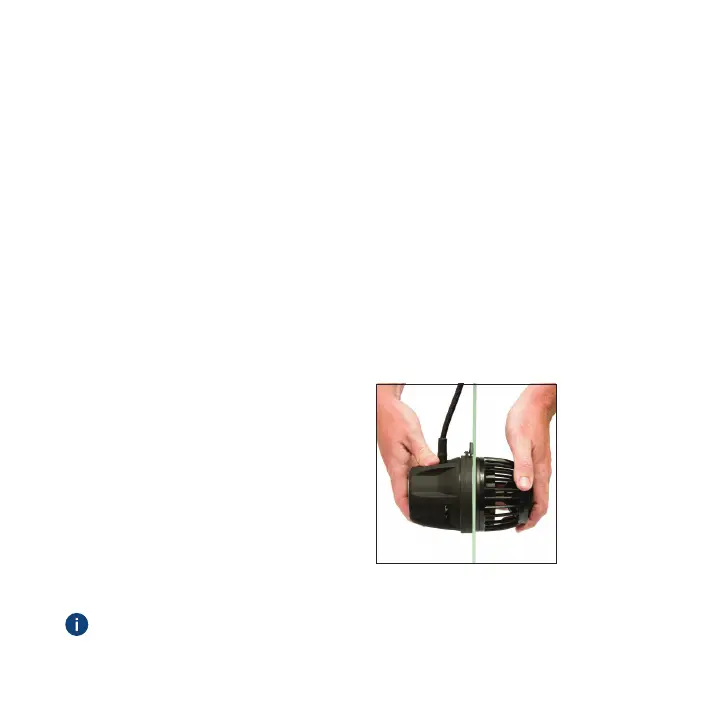
• If there is vibration or excessive noise, carefully adjust the
propeller housing (wet side) by moving it very slightly left,
right, up or down until the noise/vibration is eliminated
or minimized (Figure H).
• Rotate the control dial clockwise
and set it to the maximum speed,
indicated by the blue LEDs.
• Press the MODE button to select
the mode of your choice and
then turn the control dial to the
desired flow rate.
Figure H
See page 9 for instructions on mounting the driver.
7


 To Next Page