M O U N TA IN PA S S
™
2 3
SPECIFICATIONS
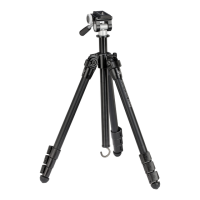
LEG MATERIAL Aluminum
MAXIMUM OPERATING HEIGHT 56" (142.2cm)
MINIMUM OPERATING HEIGHT 9" (22.9cm)
MAXIMUM CENTER COLUMN EXTENSION 11.3" (28.7cm)
FOLDED DIMENSIONS (HxW) 19" x 4" (48.3cm x 10.2cm)
WEIGHT 3 lbs. 1 oz. (1.39kg)
NUMBER OF LEG SECTIONS 4 Sections
MAXIMUM LOAD 22 lbs. (10kg)
LEG LOCK TYPE Flip Lever
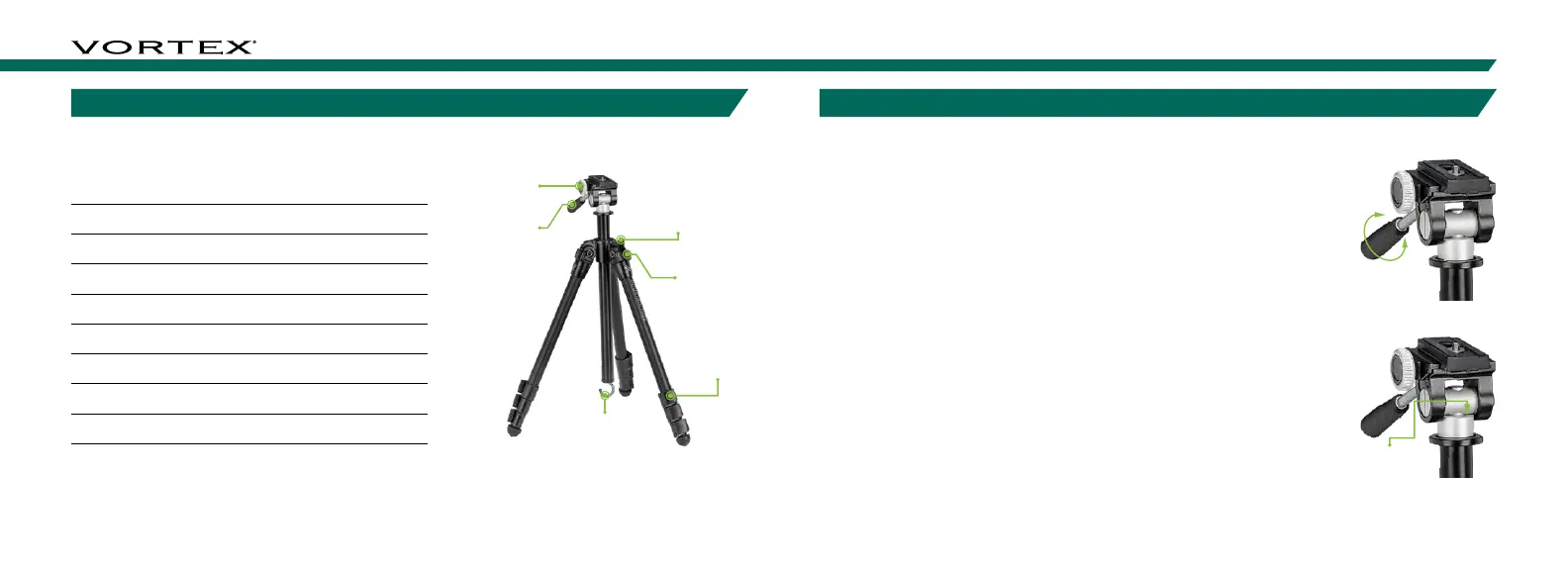
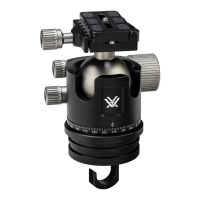
Tilt/Panning
Locking Handle
Detachable
Quick-Release
Locking Knob
Pivot Locks
Adjustment Knob
BASIC ADJUSTMENTS
Tilt/Panning Action
The tilt of the tripod head can be adjusted by unlocking the head using
the handle. This allows you to position your optic at the desired angle.
Unlocking the tripod head allows you to pan across a scene. This is
particularly helpful while viewing wildlife that is moving across a field or
panorama shooting with a camera.
• To unlock the tripod head, twist the handle counter-clockwise until
the head moves freely. Adjust to your desired position and lock the
tripod head.
• To lock the tripod head, twist the handle clockwise until you feel
tension on the handle.
− To keep the head free for panning, twist the handle clockwise until
you feel your desired amount of resistance on the head as you move
the optic/camera.
Note: To keep the tripod head from unscrewing from the center column,
ensure that the Tripod Head Set Screw is tight. Use the 1.3mm Hex
Wrench provided to secure the set screw.


 To Next Page