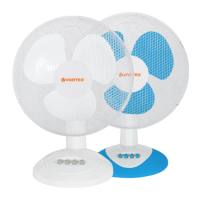
Tower Fan VO4229
4
REMOTE CONTROL
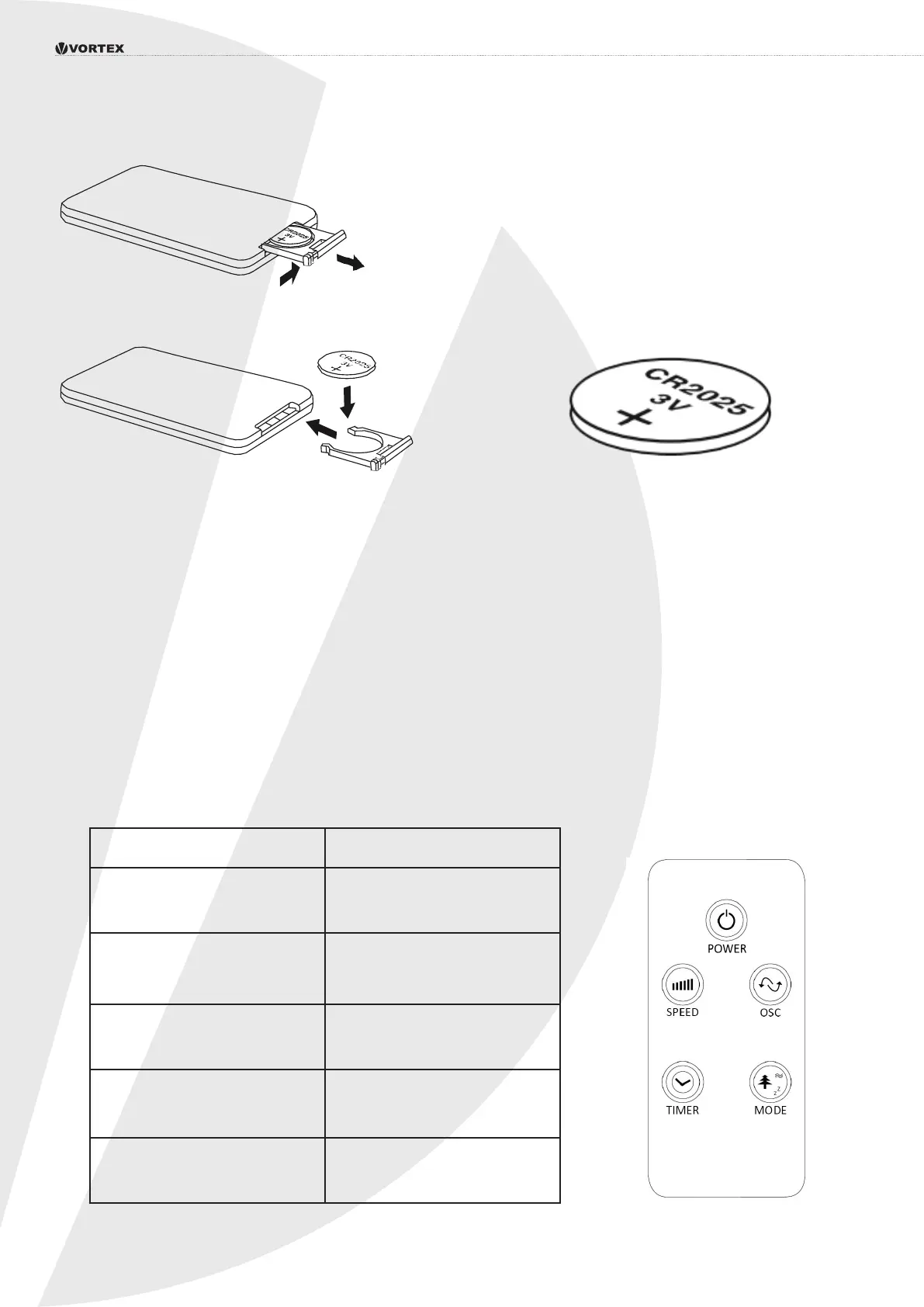
Fing the remote control baery:
Press the catch across.While holding the catch, open the baery door.
Fit the baery with the + marking upwards. When replacing the baery,
use only the same CR2025 type.
Baery disposal:
Dispose of used baeries with regard to the recycling regulaons in your area. Do NOT short circuit baeries
or throw them into water, the general rubbish or in a re.
5. Operang instrucons
1. Set the fan on a dry level surface.
Plug the cord into a suitable 220-240V AC outlet.
2. Turn the fan on by pressing the Power buon on the remote control
or on the control panel. The appropriate LED indicator on the top of the fan
will illuminate. Turn the fan O by pressing the Power buon again.
3. The speed is adjusted by repeatedly pressing the Speed buon on the remote control
or on the control panel. The appropriate LED indicator on the top of the fan will illuminate.
4. remote control:
Key Funcon
POWER Switches the device on
or o
SPEED Changes the speed level of
the fan 0-I-II-III
MODE Changes the mode of
the fan
TIMER Turns the mer funcon on.
0.5-7.5h
OSCILLATIONS Turns the oscillaon on or o


 To Next Page