VOS 5G Dongle User Manual
21
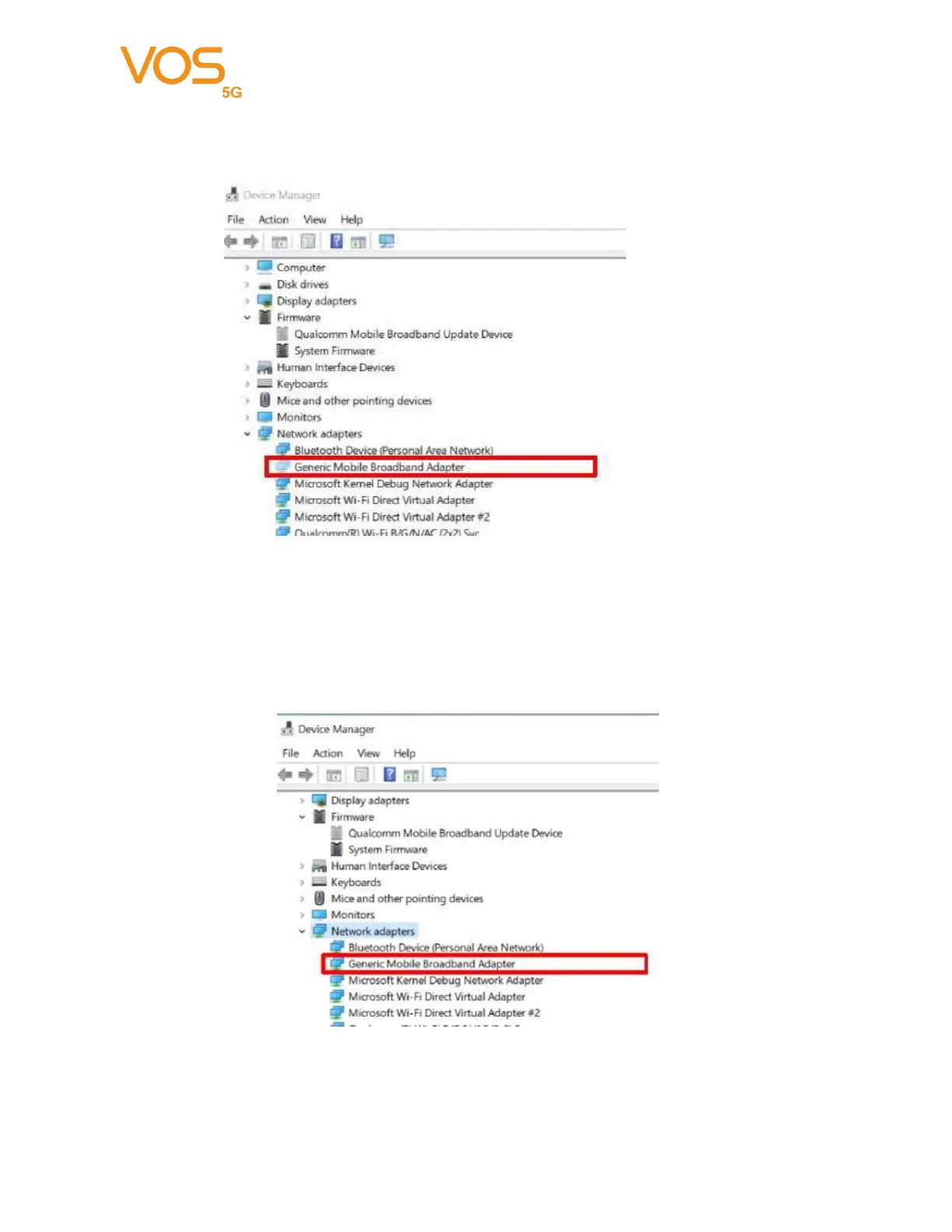
Open Device Manager, click “Network adapters”. Wait for Generic Mobile
Broadband Adapter becomes hidden device.
Wait around 120s Generic Mobile Broadband Adapter will back to normal device and
then please reboot PC. During firmware update, you can find red led on and green
led blinking.
You can check the updated firmware version through windows UI like below



 To Next Page