VOS 5G Dongle User Manual
24
3.2.1
C
onfiguration Utility
For connection management, we provide a WEB based configuration utility for users
to customize connection configuration.
To access the configuration utility, open a web browser (such as Internet Explorer) and
enter the IP address of the router, which is 192.168.225.1 by default.
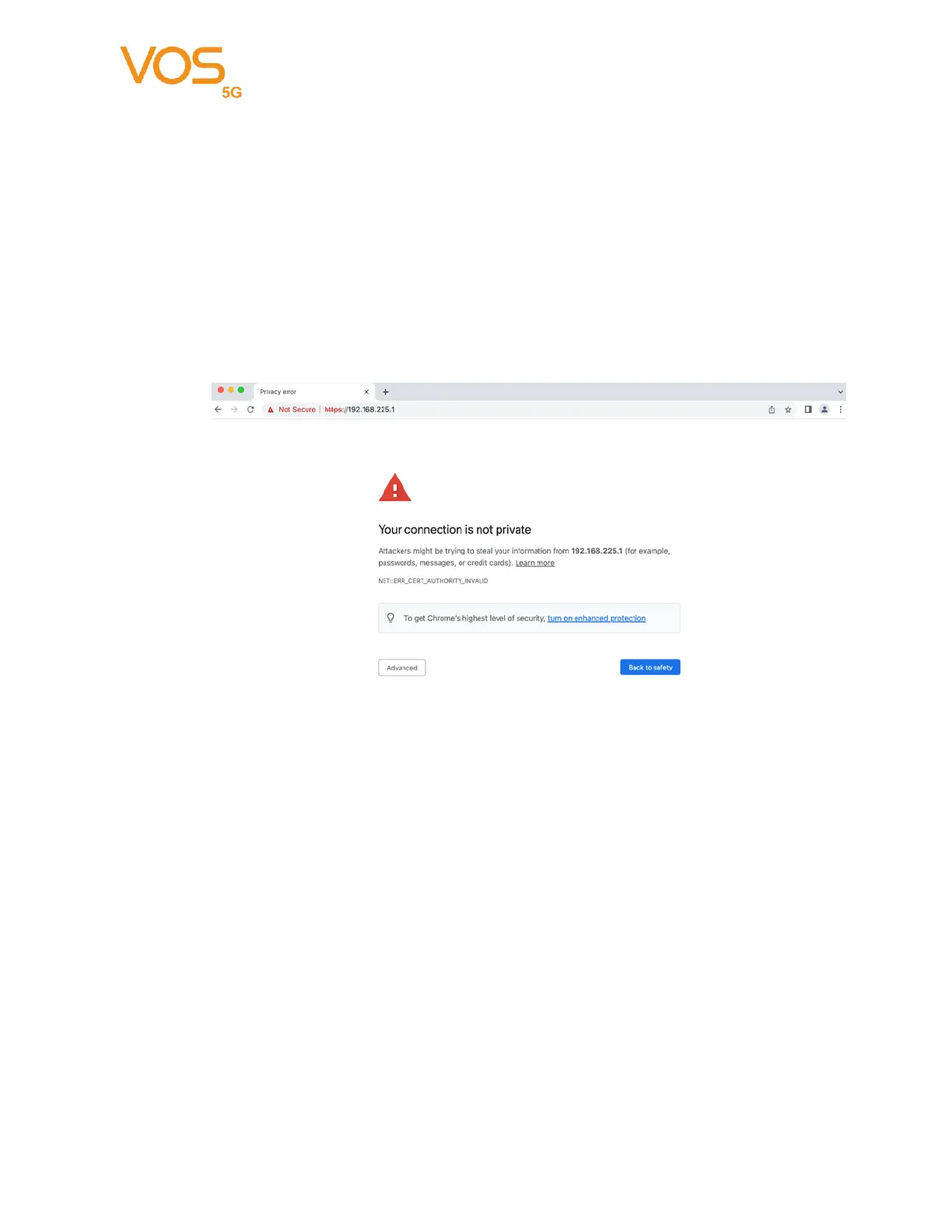
Then the webpage might popup a warning page stated “ Your connection is not private”,
please click the “Advanced” to access the configuration utility.
Once you have reached the configuration utility through your web browser, you will
need to log in. Enter “admin” as the username, and then enter the password. By default,
the password is “admin”.


 To Next Page