VOS 5G Dongle User Manual
29
3.2.1.5
F
irmware Upgrade
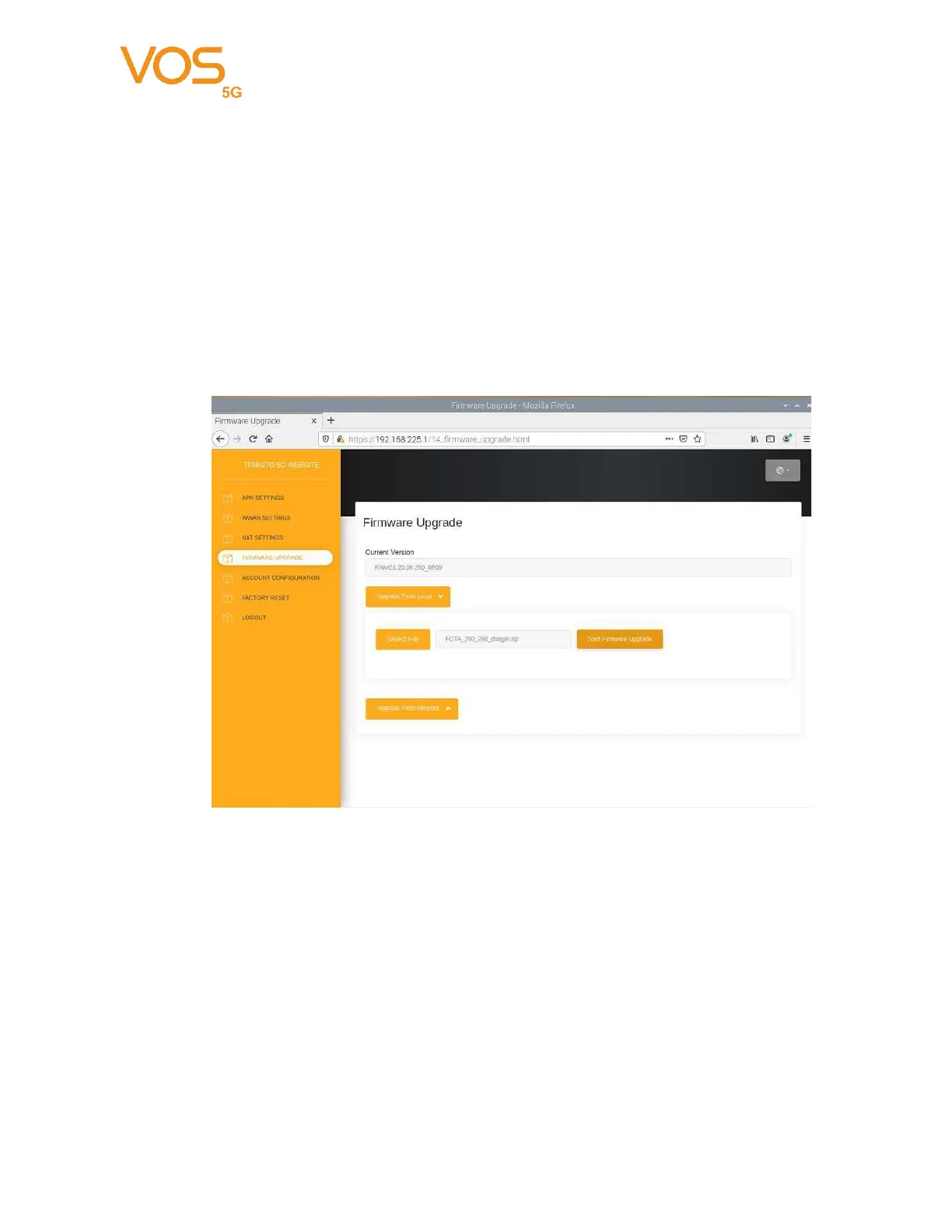
Current Version: Current Firmware version.
Upgrade From Local: Select a firmware update package from local.
Upgrade From Network: Checking server if there is new Firmware to upgrade. It
will start to upgrade Firmware if there has a new version.
During firmware update, you can find red led on and green led blinking.
Logout: Logout Dongle settings


 To Next Page