- 5 -
Activation, Deactivation
The LCD Battery Computer S requires continuous current supply to ensure continuous capacity measurement. The unit is
optimized for extremely current saving operation and offers three operation modes.
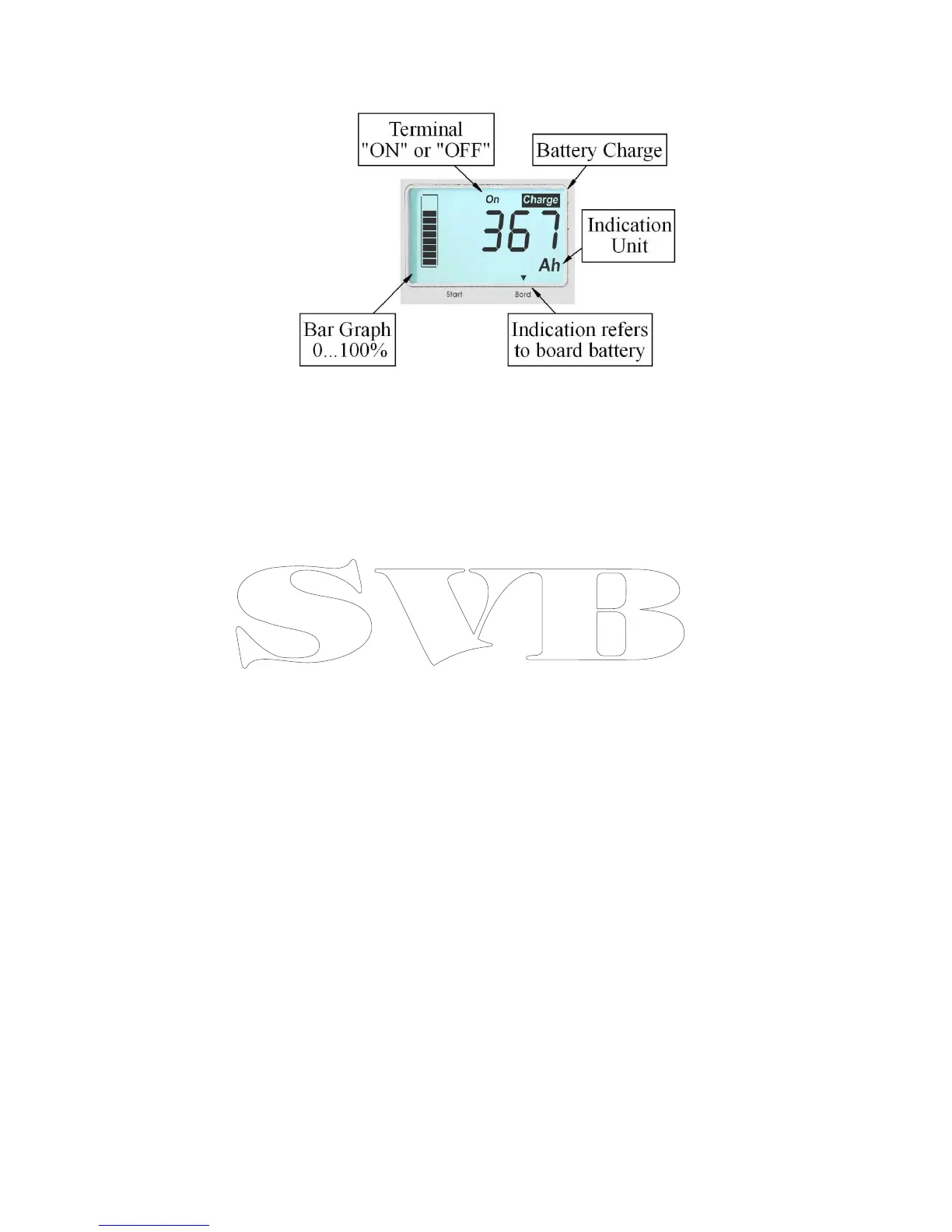
Stand-by: During stand-by mode the display is empty. If the terminal is activated, “ON” will be displayed, and if it is
switched-off, “OFF” will be displayed.
Display with and without illumination: As soon as the LCD Battery Computer S is operated, the display illumination will
be switched-on and will remain activated for 3 minutes. If there is no operation during this time, the illumination will be
switched-off automatically. The display shows the same data as before, when the illumination was active. The display
illumination is reactivated by pressing any button. The proper function of the button will be effected by pressing the button
a second time.
Display Contrast / Reading Angle
The LCD Battery Computer S is equipped with a high-contrast LC display. Depending on the angle of view, the contrast of
the display might be too weak or too high (hidden characters are visible). The contrast can be quickly adapted by pressing
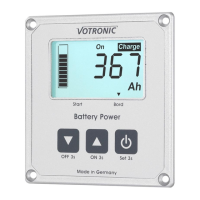
the buttons 1 and 3 (increase contrast) simultaneously, or by pressing the buttons 2 and 3 (reduce contrast) simultaneously.


 To Next Page