Initial Start-up
The battery computer is ready for operation, as soon as all electric connections are made at the measuring shunt and the
connection to the display unit had been made.
Basic Setting:
The existing system voltage (12 V or 24 V) must be set.
The used battery type (gel, AGM, liquid acid) must be set.
The capacity of the board battery must be set.
The capacity is indicated in Ah, and it is imprinted on the battery. If several Ah-values can be found, use the value ....Ah
(20 h). If several batteries have been combined to a battery system, add the Ah values. Total capacity for 2 batteries at 110
Ah is 220 Ah. This value -220 Ah - must be set (see page 7).
After the basic setting, the battery must be charged using a suitable charger (in case of mobile homes using the
existing board charger) for a duration of 24 h. This is absolutely required, so that the battery computer is able to
recognize 100 % full charging (factory adjustment 75 %) required for starting.
If the computer loses its voltage supply (battery disconnected etc.), the capacity must be set again, and the
battery must be recharged completely.
After adjustment of the battery capacity and after loss of the supply voltage, the capacity, which can be withdrawn, will be
set automatically to 75 % (factory adjustment). After that, the battery must implicitly be charged for at least 24 hours with a
suitable automatic charger to ensure correct display of the capacity. Only when the battery had been fully charged, the
system adjusts itself to "its" battery, and the display will show 100 % or the residual capacity of the battery in Ah. The
initial settings and the full charging of the battery are absolutely required to ensure proper capacity indication, and it must
be repeated whenever the unit or the battery had been disconnected!
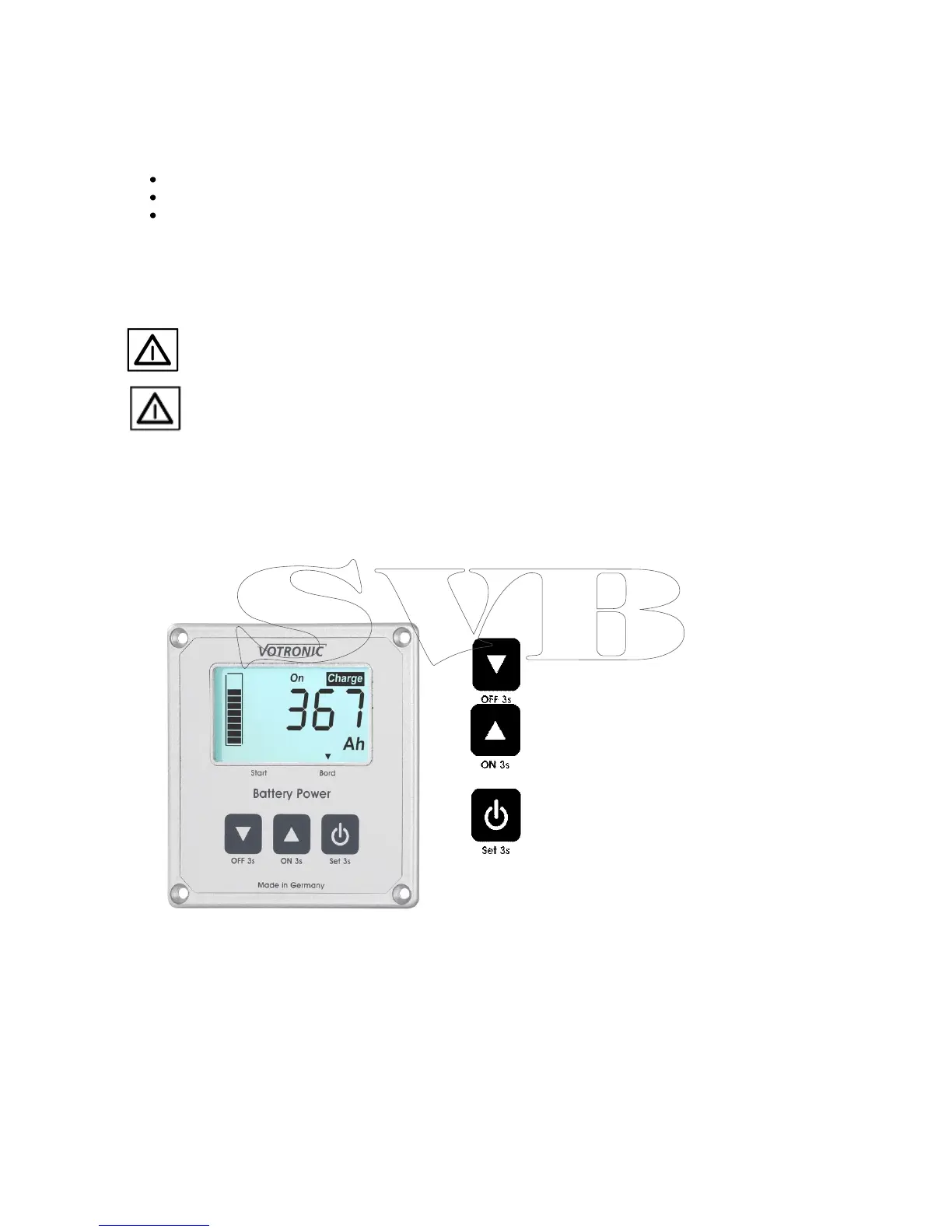
Operation LCD Battery Computer S
Button 1: Next page of the battery computer display,
manual disconnection of the terminal (3s).
Button 2: Previous page of the display, manual
activation of the terminal (3s).
Button 3: Display on/off.
Set (3s)


 To Next Page
 Loading...