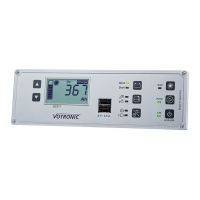
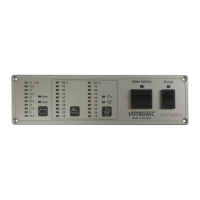
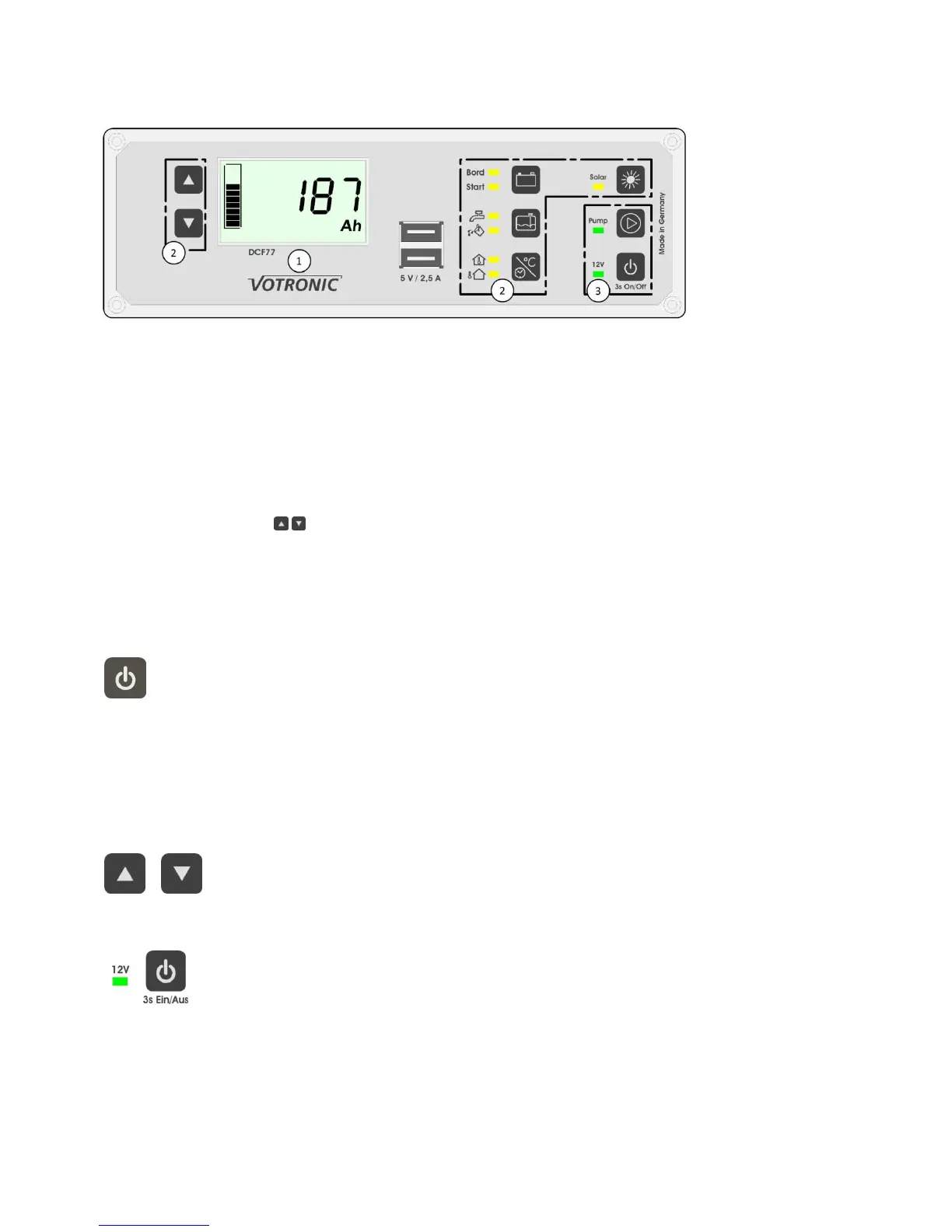
The display shows the actual data (time, level, voltage, ...) as numerical values. The menu level and the
displays of the board battery additionally show a bar graph on the left side. The measurement unit of
the displayed value is also shown on the display.
The desired information is shown on the display using the control keys of the battery computer, the
tank displays, the display units for thermometer or clock and of the solar computer. The adjacent LED
indicates the kind of information being currently displayed. To change the display, such as between
board battery and starter battery, press the key adjacent to the corresponding LED. In the menus for
board battery and solar computer, different values can be displayed consecutively.
Use the arrow keys on the right side of the display to change to the next or previous page.
Control keys and remote control keys for display ON/OFF, main switch and pump relay.
The LED lamps adjacent to the keys indicate the corresponding state.
Display Illumination:
The illumination of the display is activated automatically when pressing any key. It will be turned off
automatically after 3 minutes, if the main switch is switched-on. If the main switch is switched-off, the
illumination will be turned off already after 20 seconds to avoid an unnecessary load of a possibly
empty battery.
The illumination can also be switched-off manually by shortly pressing the main switch (see figure on the left
side).
The brightness of the LED lamps is coupled with the illumination of the display. If the display is dark, also the
LED lamps will be dimmed to a minimum.
Brightness Display and LED:
The brightness of the display illumination and of the LED lamps can be changed at any time
by pressing and holding (3 seconds) the arrows keys. The settings will be kept in memory.
Main Switch:
The main switch will be switched-on or off by pressing and holding the ON/OFF key longer (>3
s). The state of the main switch is indicated by the adjacent LED "12 V". Please observe, that the
main switch will be switched-off automatically in case of low battery capacity or voltage (see
battery protector).
If the main switch had been switched-off, the illumination will be turned off already after 20 seconds.
Operation of water pump and USB charger is only possible, if the main switch had been switched-on. They will
be switched-off automatically, as soon as the main switch had been switched-off.


 To Next Page
 Loading...