54
ENGLISH
CONNECTIONS
1. Before making or changing connections, switch off the power and disconnect the power cord from the AC
outlet.
2. Quality cables make a big difference in fidelity and punch. Use high-quality, audio cables.
3. Do not use excessively long cables. Be sure plugs and jacks are securely fastened. Loose connections
cause hum, noise, or intermittence that could damage your speakers.
4. Connect the RCA pin cords to the inputs on your amplifer.
CAUTION
: Be sure to use the supplied control cord. Using another type of cable may result in damage.
Connecting to a Computer
Support computer operating systems include Windows Vista, Window XP, and MAC OS X or later.
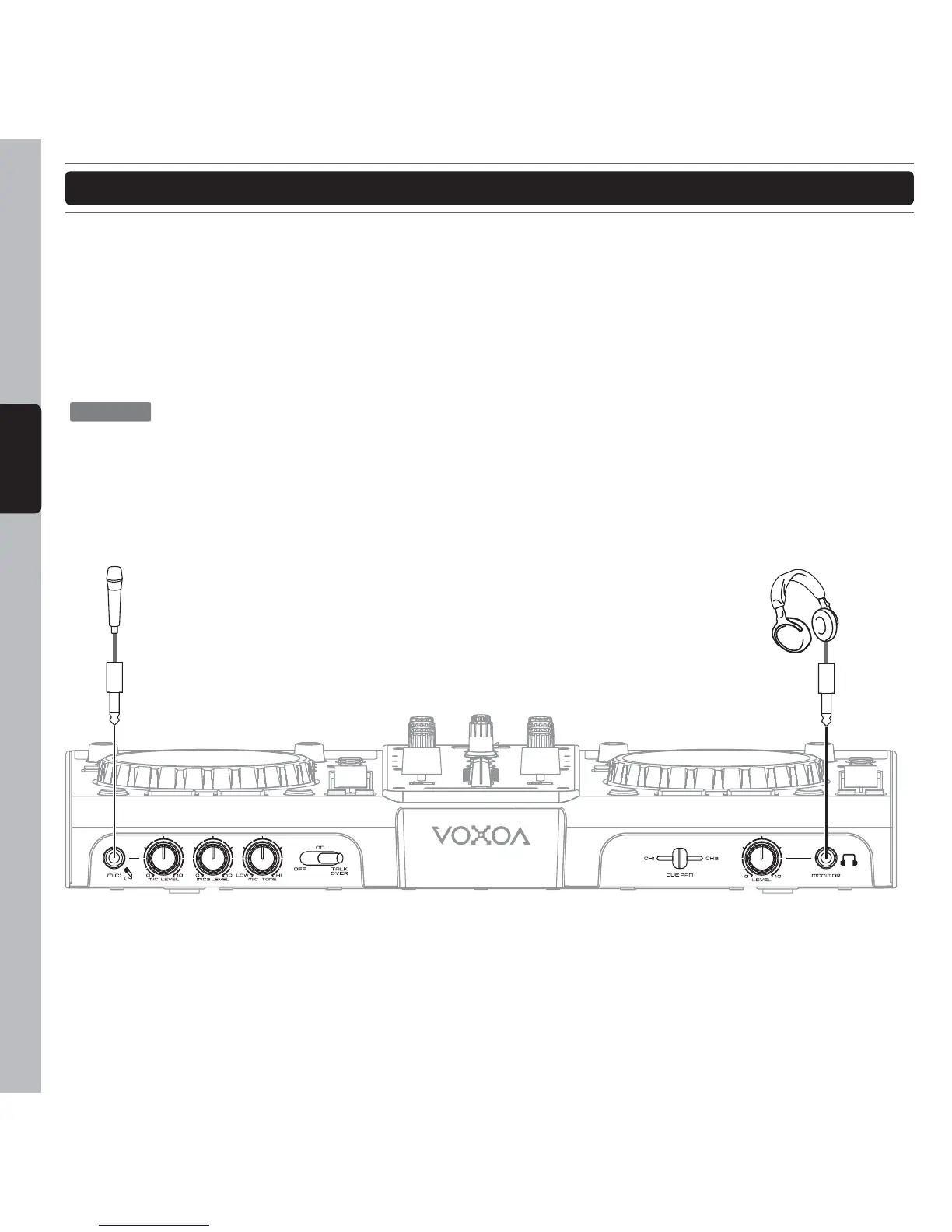
Headphones
Microphone
6.3mm6.3mm



 To Next Page