What’s in the box?
1. Dreamweaver Sound Soother Speaker
2. Charging Cable
Getting started
1. CHARGE THE DREAMWEAVER
Before you start using the Dreamweaver for the first time, it’s a good idea to charge it completely.
To charge the Dreamweaver:
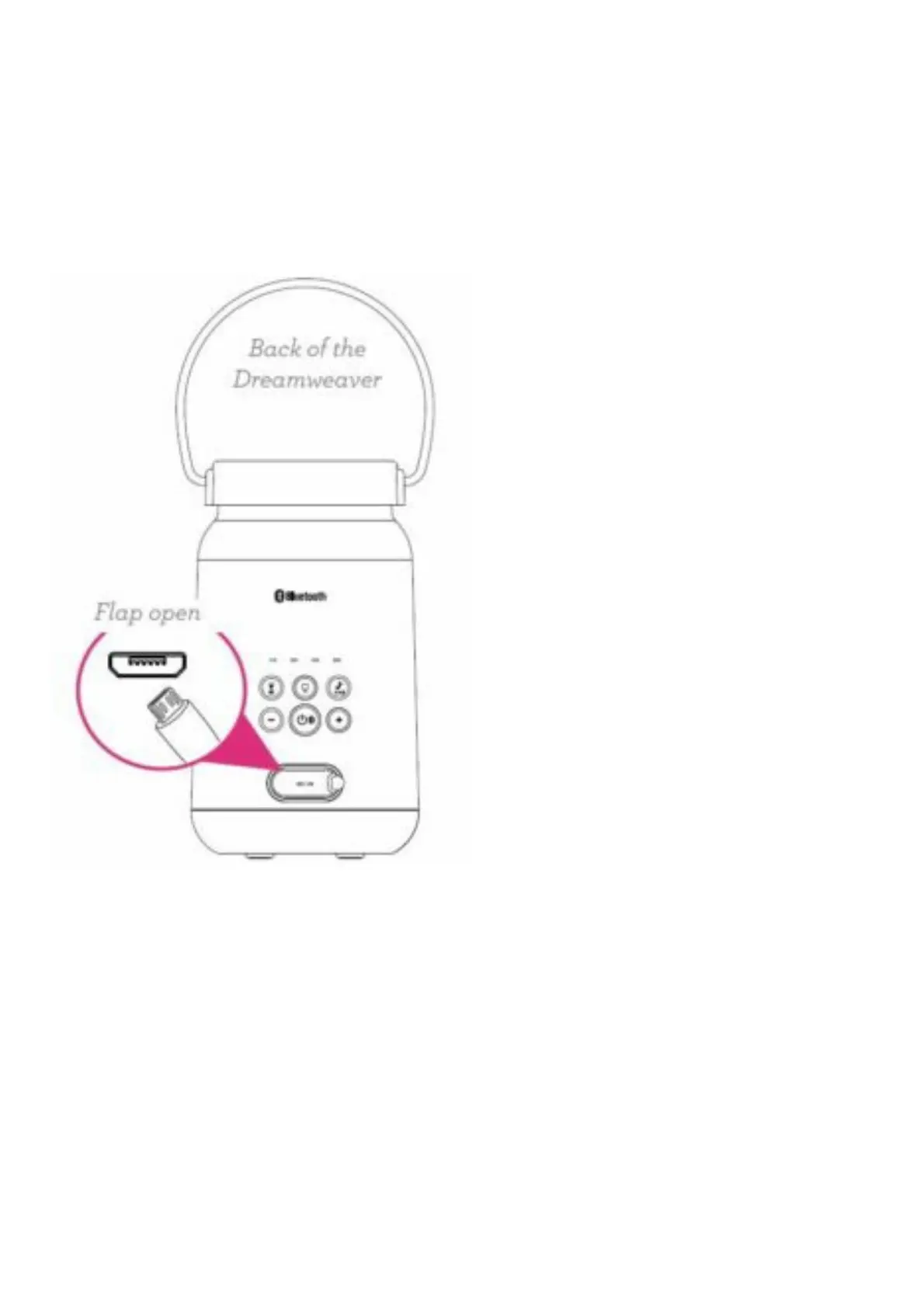
Open the DC IN flap on the back of the Dreamweaver. Plug the included charging cable into the jack
behind this flap. Plug the other end into a power source, like a computer or a USB charging adapter.
The indicator above this jack turns red to show the Dreamweaver is charging.
2. TURN ON THE DREAMWEAVER
Press and hold the power button on the back of the Dreamweaver.


 To Next Page