ICON USER’S MANUAL: SECTION 7 VIRGINIA PANEL CORPORATION
7-2 For the most current information available, visit www.vpc.com.
6/7/18
ICON RECEIVER PROTECTIVE COVER INSTALLATION
PART # 310 113 460
INSTALLATION INSTRUCTIONS
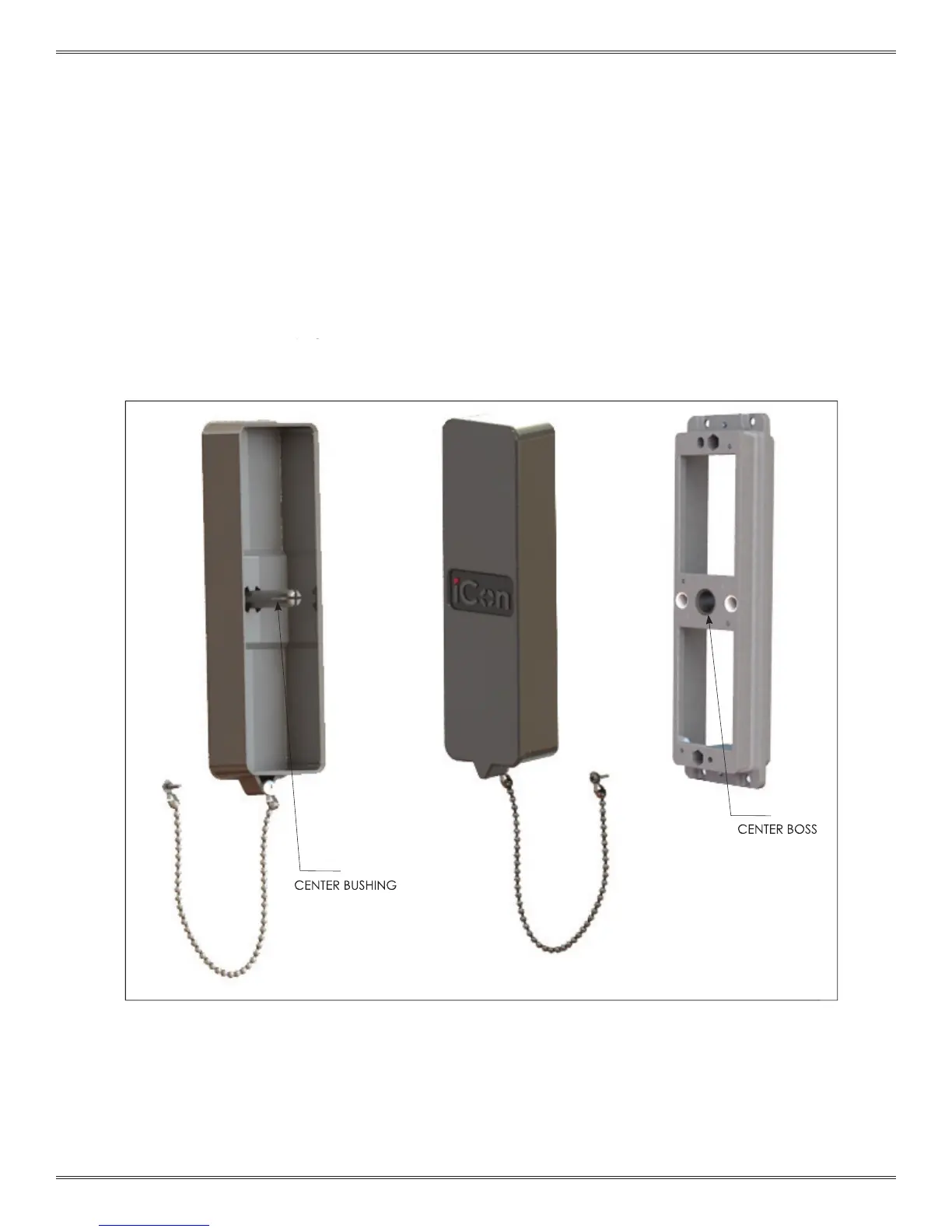
1. Align the center boss on the cover with the center bushing
on the receiver (Figure A).
2. Push the cover on ensuring that the two smaller alignment
bushings mate properly.
3. Press the cover until it seats fully against the receiver.
Figure A.
CENTER BOSS
CENTER BUSHING
3. Press the cover until it seats fully against the receiver.



 To Next Page