TURNING IT ON
Press the for 3 seconds and wait to be prompted for the Token (Card).
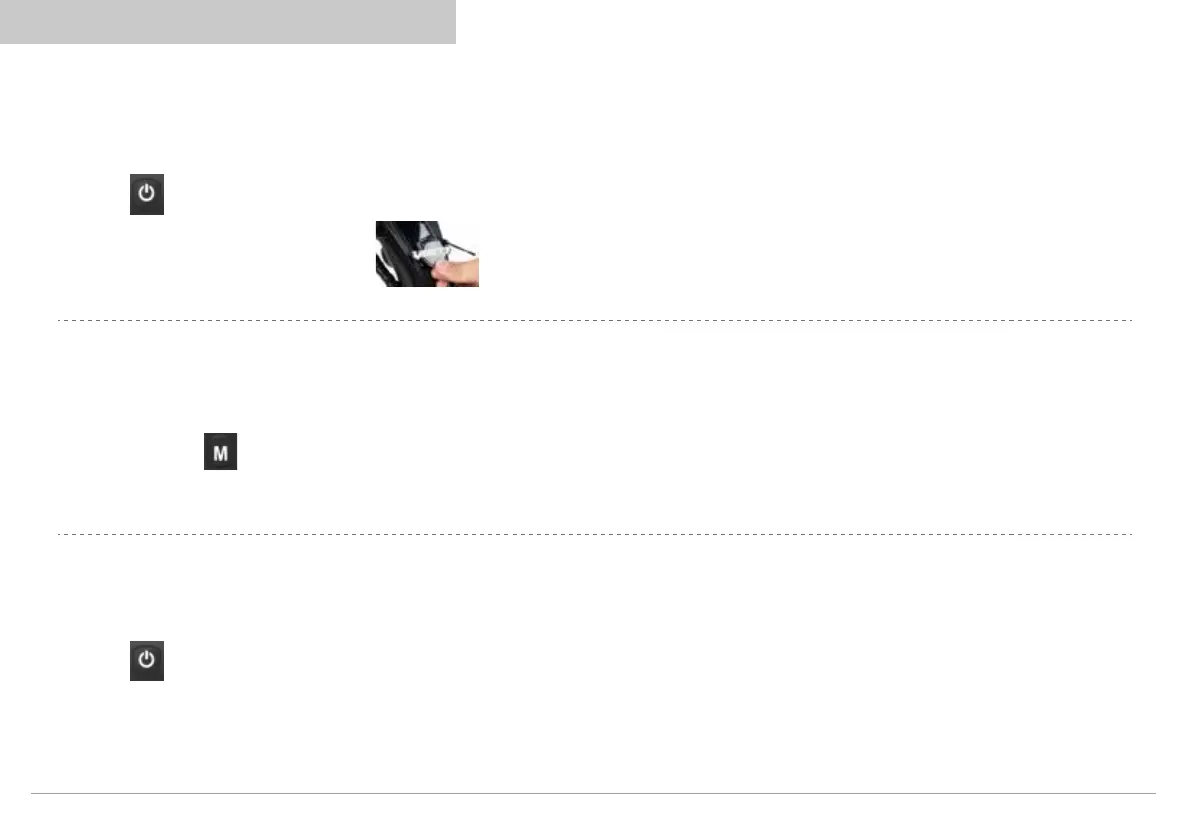
Tap the Token (Card) to the IR reader NFC
PSETTING
Press and hold both simultaneously for 5 seconds to access the P Setting interface.
CHANGING OF SPEED
Press the to toggle between increasing between ECO to S.
Function is to limit max limit, S being themax speed able to achieve.
14
Vsett display operation and porgramming
Vsett display operation and porgramming



 To Next Page