4
WE DO NOT RECOMMEND THE USE OF RECHARGEABLE
BATTERIES.
REMOVE DEMO TAG
The demo tag should be removed immediately when the product is
taken out of the packaging. If the demo tag is still in position when you
begin play, please remove it from the bottom of the unit to activate
normal play mode.
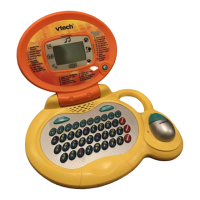
PRODUCT FEATURES
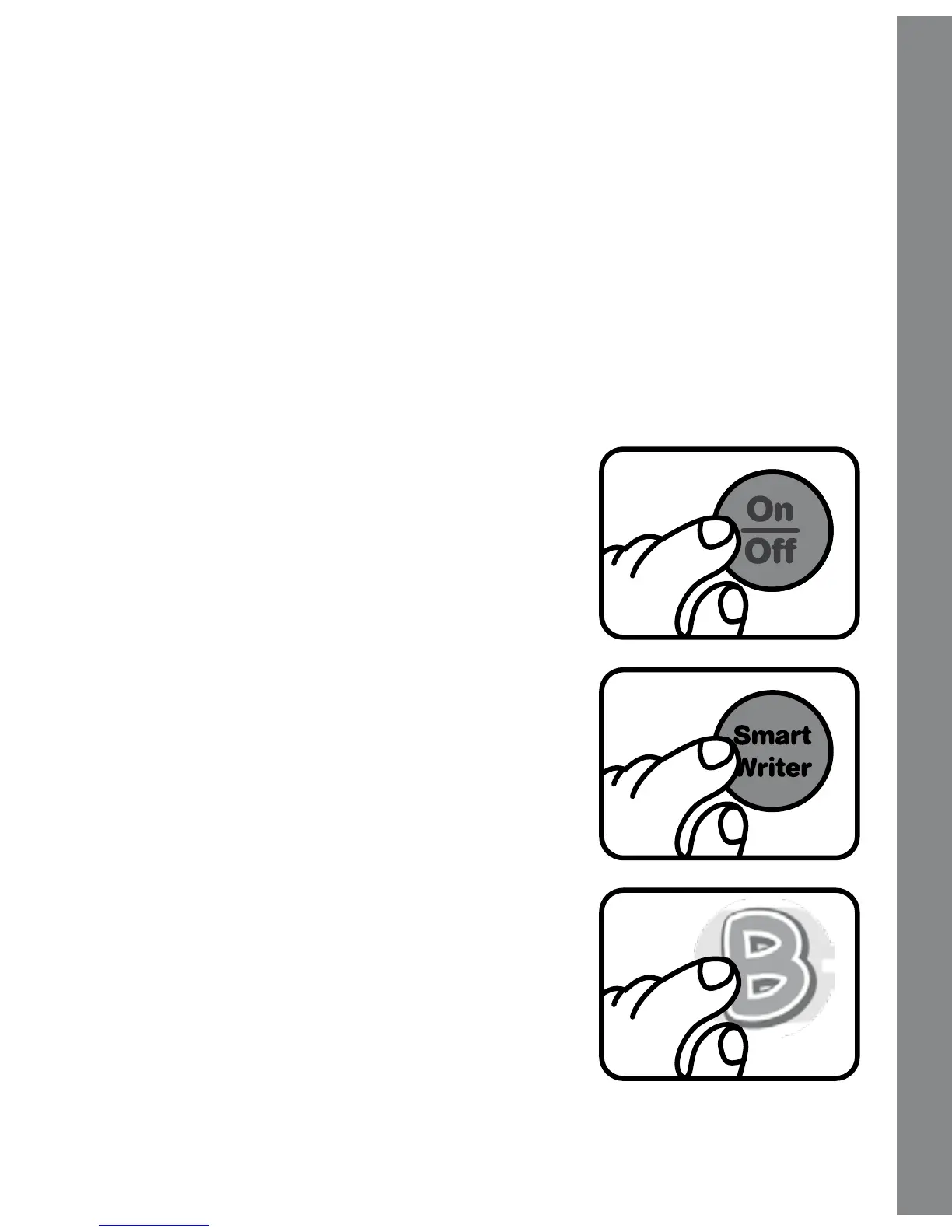
1. On/Off BUTTON
To turn the unit on, press the On/Off
BUTTON.
Press the
On/Off BUTTON again to turn
the unit off.
2.
ACTIVITY BUTTONS
Press one of the three activity buttons to
select an activity.
3. LETTER BUTTONS
Before choosing an activity, you can
press a letter button to learn
letter names, sounds, and related objects.
Within an activity, use the letter buttons
to answer a question or to choose a letter
for writing instruction.
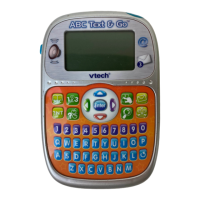
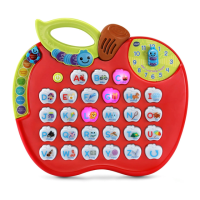
Product Features





 To Next Page