5
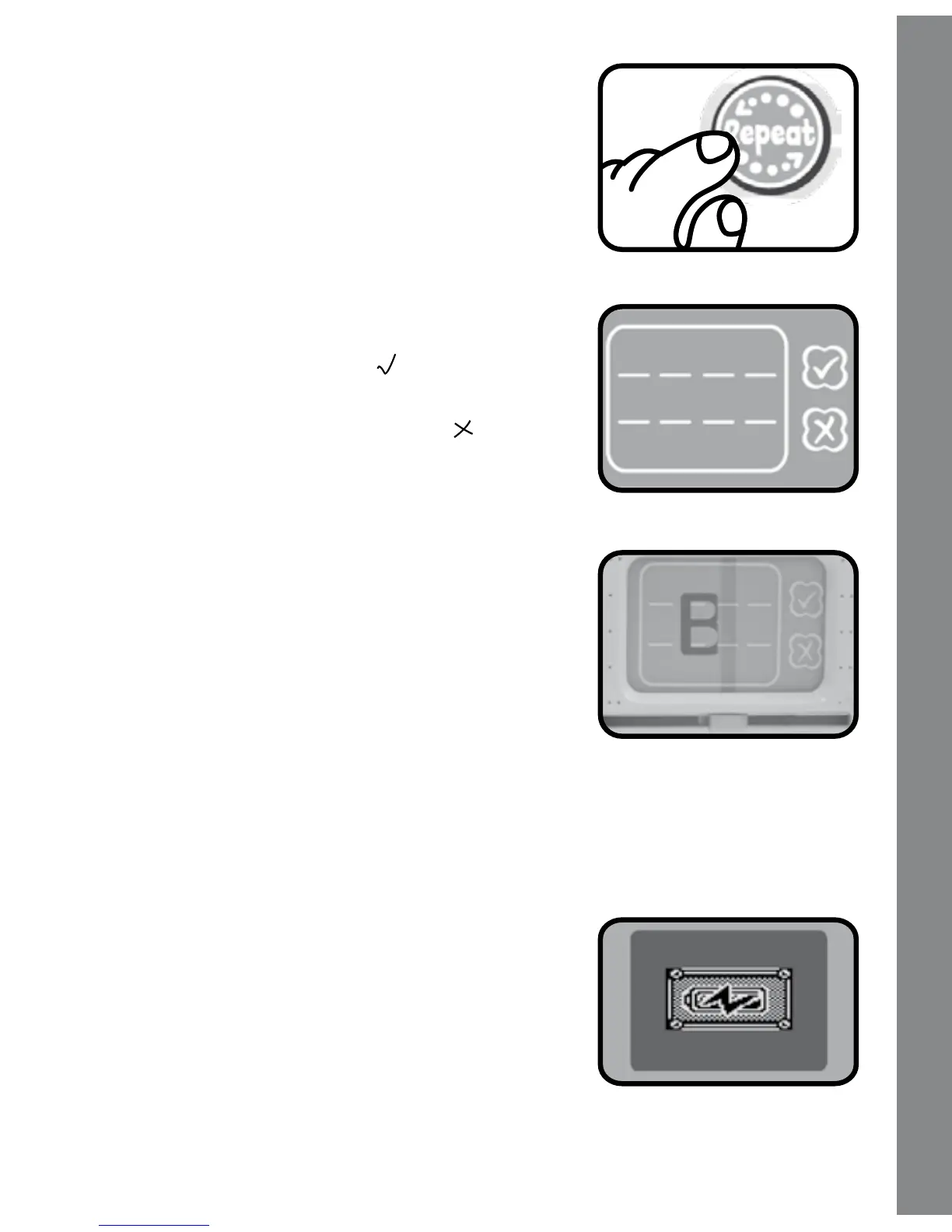
4. REPEAT BUTTON
Press this button to hear the instructions
repeated.
5. Writing Pad
As you move the stylus on the writing
pad, you will see your writing appear on
the screen. Press the “ ” mark on the
writing pad to confirm that you have
finished writing, or press the “ ” mark to
erase your writing from the screen and
start over again.
6.
Non-electronic Sliding Bar
Move the sliding bar to clear your writing
from the writing pad.
7. AUTOMATIC SHUT-OFF
To preserve battery life, the
ABC Phonics Pals™ will automatically
turn off after several minutes without input. The unit can be
turned on again by pressing the On/Off BUTTON.
The unit will also auto power off when
your batteries are very low. A warning
will be displayed on screen as a
reminder to change your batteries.
Product Features





 To Next Page