EasyManua.ls Logo

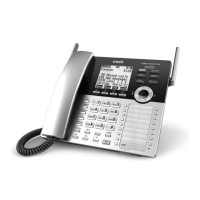
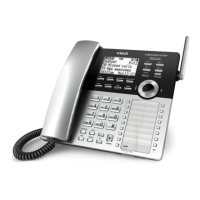
VTech 8121 - Telephone Base Alert Tones

VTech 8121
114 pages
Print Icon
To Next Page IconTo Next Page
To Previous Page IconTo Previous Page
Loading...
30
4
IN USE
light
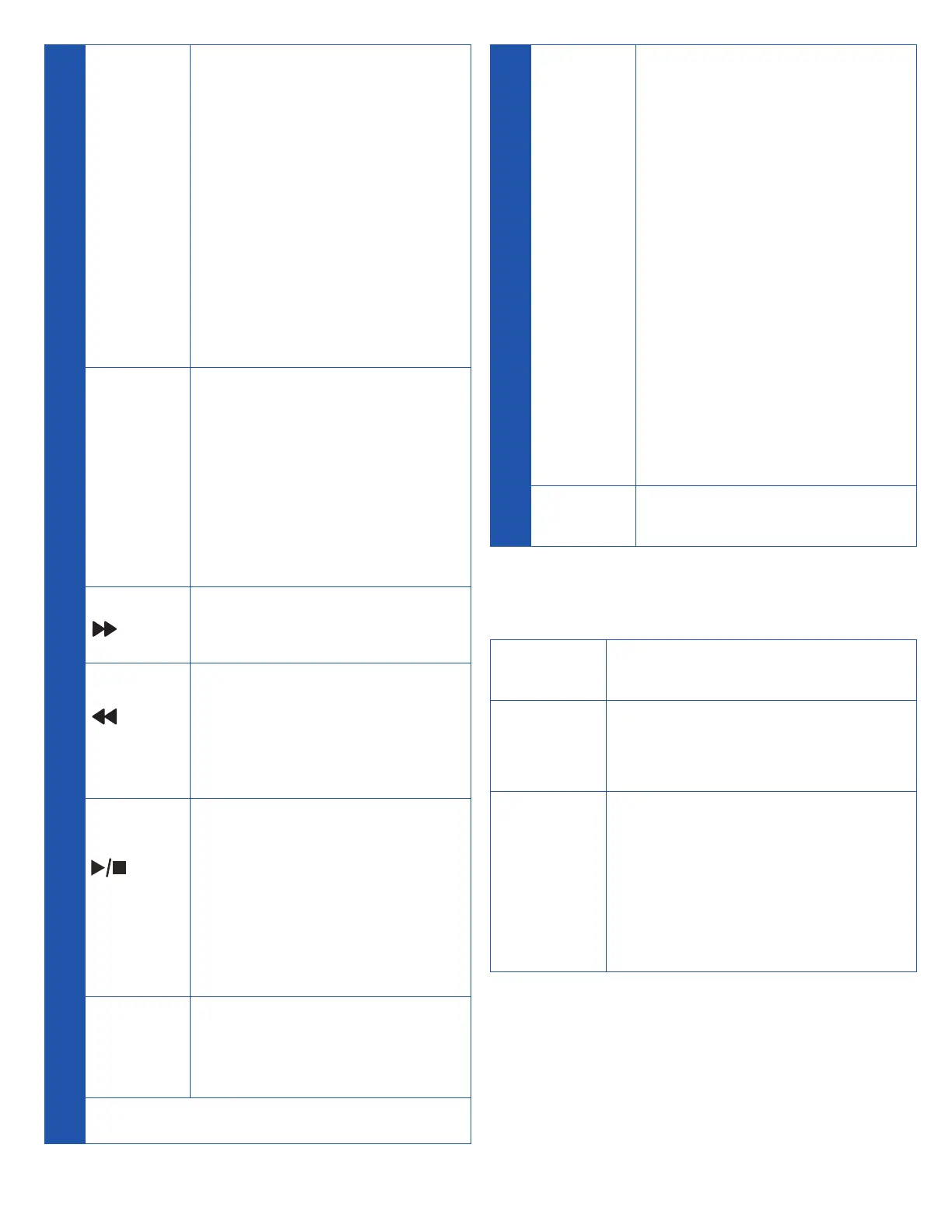
• On when the handset
is in use, or when the
answering system
is answering an
incoming call.
• Flashes when there is
an incoming call, or
another telephone
sharing the same line
is in use.
5
X /
DELETE
• Press to delete the
message currently
playing.
• Press twice to delete
all old messages
when the telephone is
not in use.
/ SKIP
• Press to skip a
message.
/
REPEAT
• Press to repeat a
message.
• Press twice to play the
previous message.
/
PLAY/
STOP
• Press to start or stop
message playback.
• During call screening,
press to temporarily
turn the call screening
on or off.
6 ANS ON
• Press to turn the built-
in answering system
on or off.
7 Antenna
8
CELL 1 /
CELL 2
Lights
• Light on when the
telephone base is
paired and connected
with a Bluetooth
device.
• Light flashes when the
telephone base is in
discoverable mode.
• Press to connect the
paired cell Bluetooth
device.
• Press and hold to add
or replace a Bluetooth
device.
9 FIND HS
• Press to page all
system handsets.
Telephone base alert tones
1 short
beep
• Plays at the end of each
message playback.
Beeps
every 10
seconds
• Message alert tone is
on and there are new
messages.
1 long
beep
• Call screening is on and
the answering system is
about to
• record a message.
• Plays at the end of all
messages playback.

Table of Contents