EasyManua.ls Logo

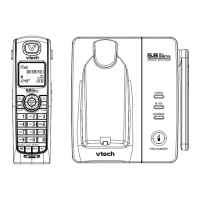
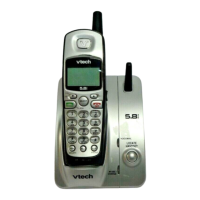
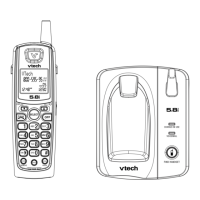
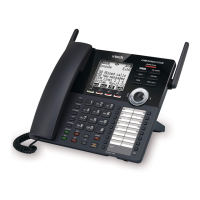
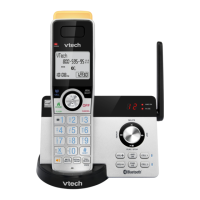
VTech IS 8121-3 - User Manual

VTech IS 8121-3
114 pages
Print Icon
To Next Page IconTo Next Page
Loading...
IS
8121
8121-2
8121-3
8121-4
8121-5
Click on the in the manual
to watch the video tutorials.
User’s manual
Scan the QR code to go and
subscribe our tutorial channel

Table of Contents

Question and Answer IconNeed help?

Do you have a question about the VTech IS 8121-3 and is the answer not in the manual?

VTech IS 8121-3 Specifications

General IconGeneral
BrandVTech
ModelIS 8121-3
CategoryTelephone
LanguageEnglish

Summary

Important Safety Instructions

General Safety Precautions

Basic safety precautions to reduce risk of fire, electric shock, and injury.

FCC, ACTA, and IC Regulations

Install and Set Up

Operate Your Telephone

Basic Call Handling and Waiting

Making, answering, ending calls, and managing call waiting on home/cell lines.

Bluetooth and Connectivity

Pairing, connecting, and using Bluetooth devices and VTech Connect to Cell app.

Smart Call Blocker Features

Managing call blocking, screening, custom lists, and call handling profiles.

Answering System Functions

System setup, message playback, remote access, and announcement customization.
Frequently Asked Questions

Related product manuals