EN - 14
Voice Menu
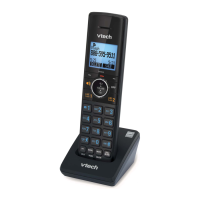
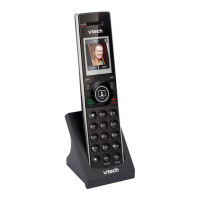
The Voice menu enables you to use the handset to query and change phone settings.
To access the Voice Menu:
1. When the phone is idle, press this key sequence on the handset: TALK Û Û Û Û.
A digitized voice on the handset will announce Voice Menu options.
2. Press the number key on the handset to select the desired menu option, or enter information.
A list of menu options is shown in the diagram below.
For example, to find out the IP address of the phone, press 1 for Network Configuration, then
press 2 for IP Address.
3. When you are finished with the Voice menu, press OFF on the handset or place it in the cradle.
NOTE: if you changed any network settings, your phone will automatically reboot.
This will enable your new settings to take effect.
7
Soware
Version
3
Factory Reset
1 Reset
Speed Dial to
Default*
2 Clear All
Speed Dial*
5
Reboot*
* requires password
(default 1234)
1
Network
Conguraon
2
IP Address
3
Subnet Mask
1
WAN Port Type
4
Gateway
1 DHCP
2 Stac IP
5
DNS
6
WiFi Status
7
WiFi Network
1 Enable
2 Disable
2
Phone
Conguraon
1
Phone Number
2
Server IP
Address
4
Call Forward
3
Port
4
Edit Speed Dial
6
Web Access
Portal
1 Enable
2 Disable


 To Next Page