6
PRODUCT FEATURES
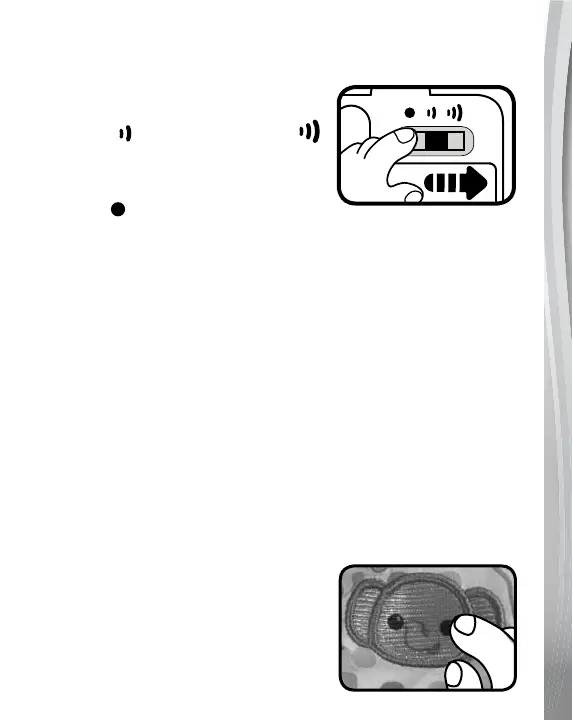
1. On/Off/Volume Selector
To turn the unit On, slide the
On/Off/Volume Selector to the Low
volume
or the High volume
position. You will hear a song, a phrase
and a short tune. To turn the unit Off,
slide the On/Off/Volume Selector to
the Off position.
2. Automatic Shut-Off
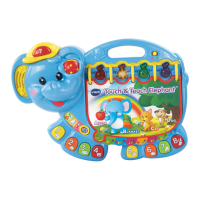
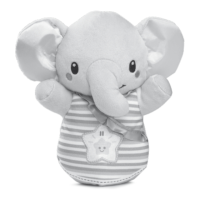
To preserve battery life, the Explore & Crawl Elephant™ will
automatically shut off after 20 seconds without input. The unit can
be turned on again by pressing any button.
NOTE
This product is in Try-Me mode in the packaging. After opening the
package, turn the Explore & Crawl Elephant™ off and on again to
proceed with normal play. If the unit repeatedly powers down while
playing, please install a new set of batteries.
NOTE
If the unit powers down or if the light fades out during play, please
install a new set of batteries.
ACTIVITIES
1. Elephant Button
Press the Elephant button to hear fun
sounds and phrases. The elephant will
ap its ears and crawl forward.






 To Next Page