9
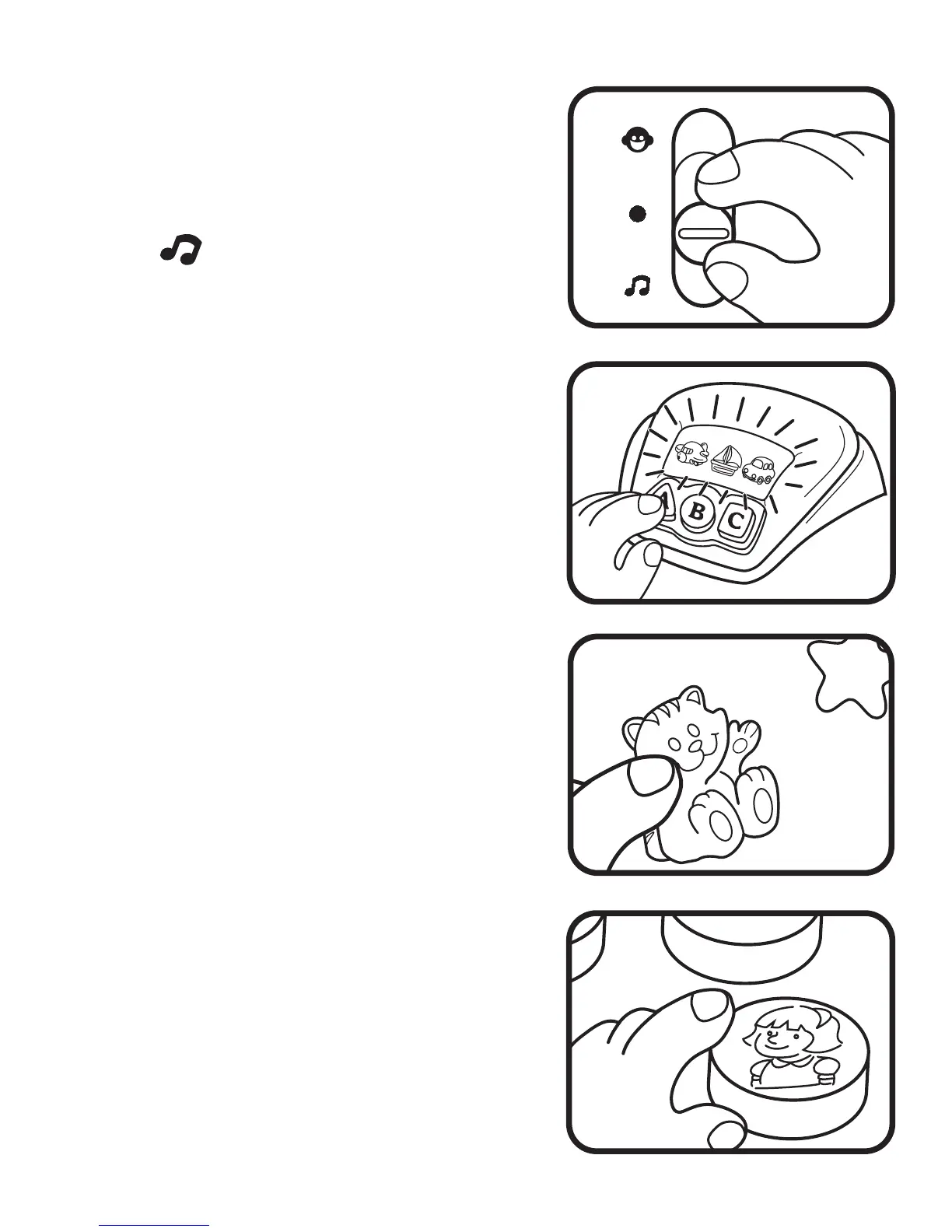
B. Music Mode
1. Slide the On / Off Mode Selector
Switch to the Music Mode
( )position. You will hear a short
tune.
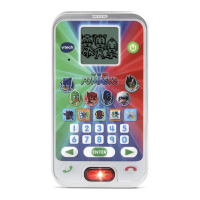
2. Press any Shape & Letter Button
to hear the shape identified. The
screen will light-up and you will
hear a short melody.
3. Press any Animal Button to hear
the animal sound effect /short
tune and see the light-up stars
flash.
4. Press the Character Buttons to
hear cheerful melodies.







 To Next Page