6
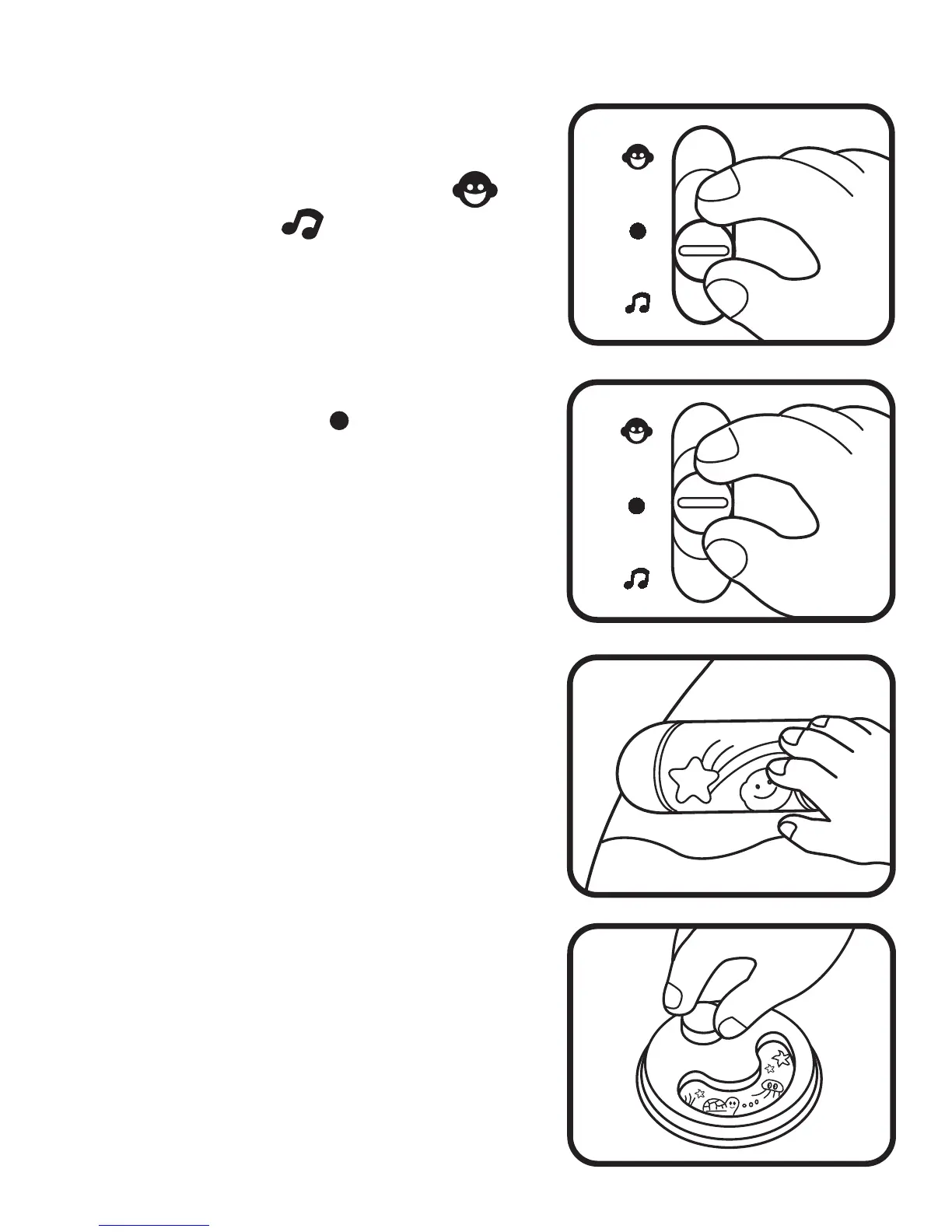
TO BEGIN PLAY
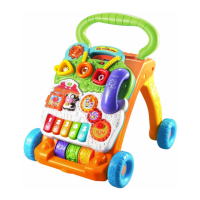
1. Slide the On/Off/Mode Selector
Switch to the Talking Mode ( ) or
Music Mode ( )position. You will
hear a short tune and the lights will
flash randomly.
2. Slide the On/Off/Mode Selector
Switch to the Off ( )position to turn
off the unit.
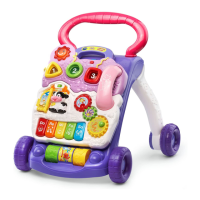
3. Spin the Melody Roller to hear a
cheerful melody .
4. Turn the Spinning Wheel to hear a
fun sound effect and see pictures of
friendly animals.





 To Next Page