7
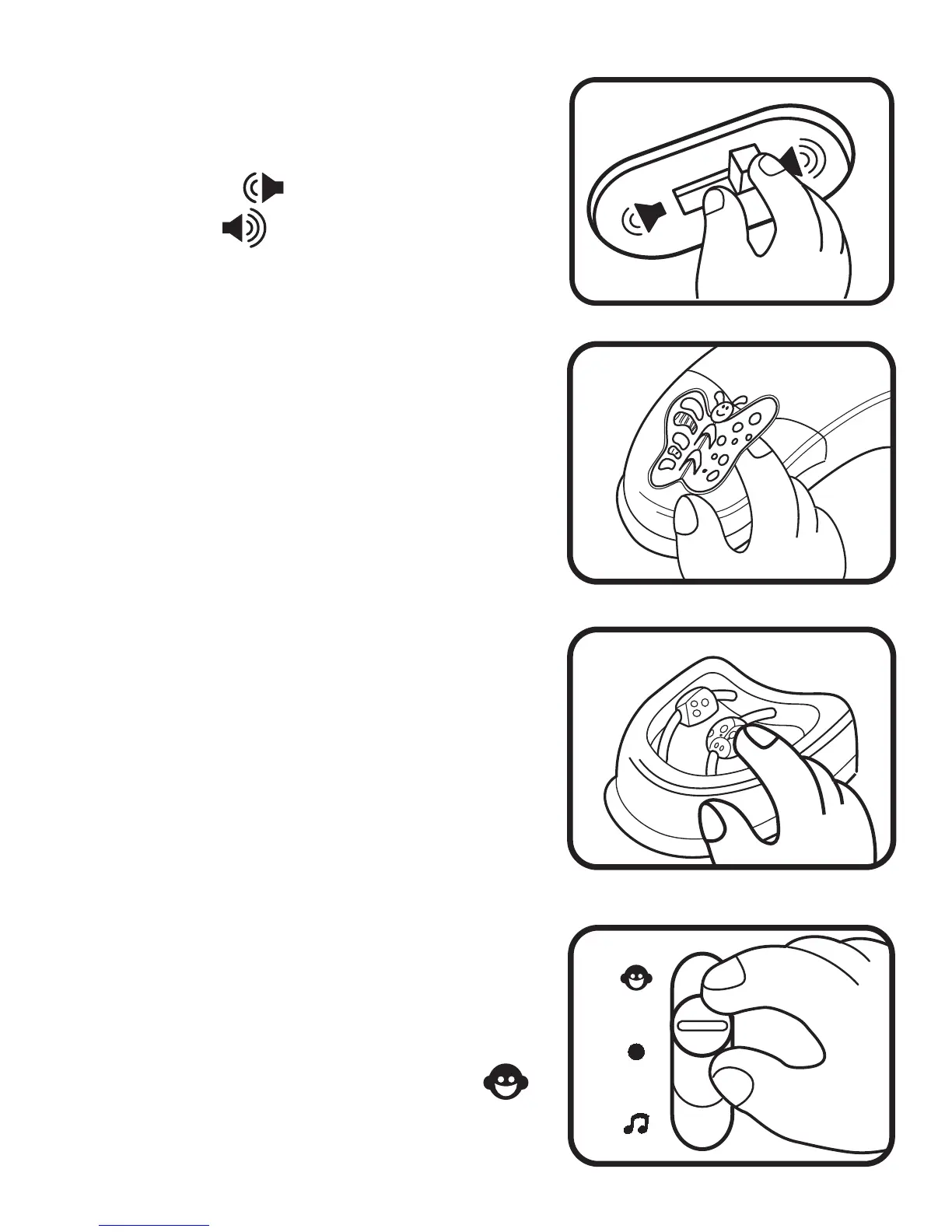
5. To adjust the volume, slide the
Volume Control Switch, located on
the back of the unit, to the Low
Volume ( ) position or High
Volume ( ) position.
6. Turn the pages of the Butterfly Book
to see the different patterns.
7. Move the cute insect Sliding Beads
along the bead paths. Look into the
Discovery Mirror to see your
reflection.
ACTIVITIES
A. Talking Mode
1. Slide the On / Off Mode Selector
Switch to the Talking Mode ( )
position. You will hear a short
tune.









 To Next Page