8
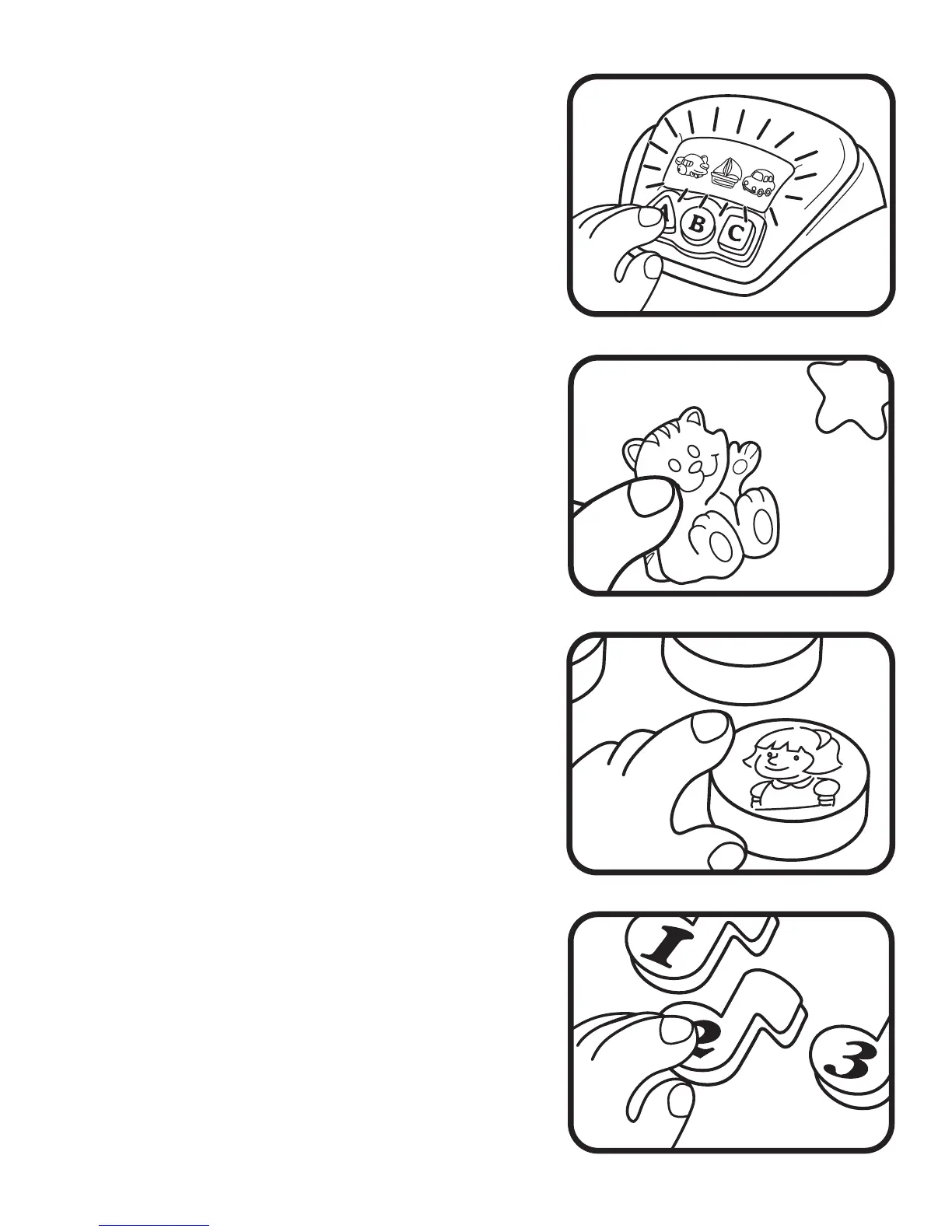
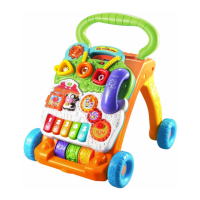
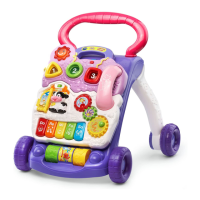
2. Press any Shape & Letter Button
to hear the object on the
screen identified.
Watch the object light-
up and hear a fun sound effect.
3. Press an Animal Button to hear
the animal identified and see the
light-up stars flash.
4. Press a Character Button to
hear a fun sound effect and the
friendly character identified. The
Phone Handset can be lifted for
fun pretend phone play.
5. Press a Music Note / Number
Button to hear the number
identified .





 To Next Page