3
INCLUDED IN THIS PACKAGE
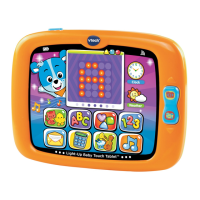
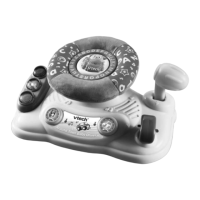
- One VTech
®
Light-Up Baby Touch Tablet
™
- One User’s Manual
WARNING:
All packing materials, such as tape, plastic sheets, wire ties and
tags are not part of this toy, and should be discarded for your
child’s safety.
ATTENTION:
Pour la sécurité de votre enfant, débarrassez-vous de tous
les produits d’emballage tels que rubans adhésifs, feuilles de
plastique, attaches et étiquettes. Ils ne font pas partie du jouet.
NOTE:
Please keep this user’s manual as it contains important
information.
Unlock the packing locks:
Rotate the packing locks 90 degrees
counter-clockwise.
Pull out the packing locks.
GETTING STARTED
BATTERY INSTALLATION
1. Make sure the unit is turned OFF.
2. Locate the battery cover on the back of the unit. Use a screwdriver
to loosen the screw.
Included In This Package/Getting Started





 To Next Page