4
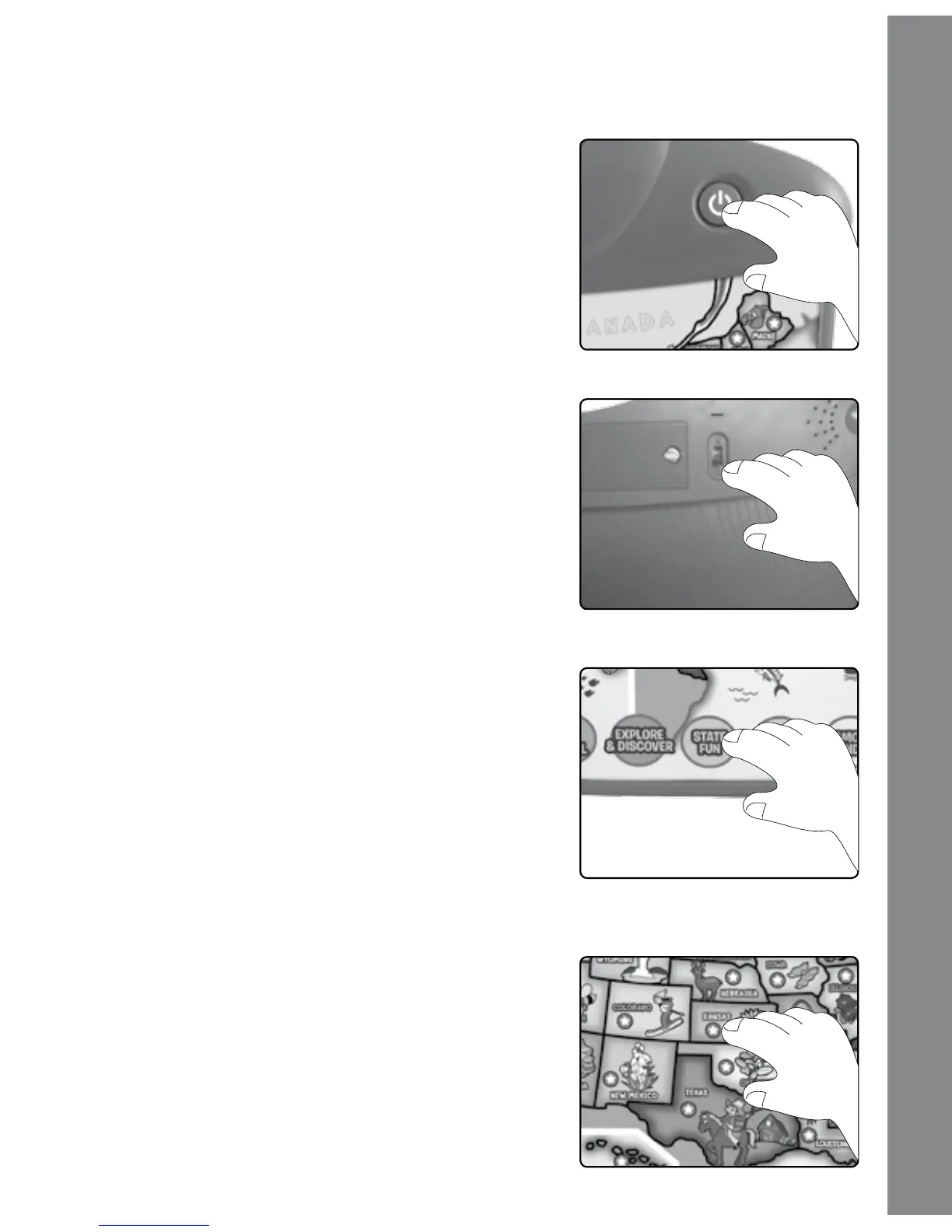
PRODUCT FEATURES
1. ON/OFF BUTTON
Press the ON/OFF BUTTON to turn the unit
ON. Press it again to turn the unit OFF.
2. VOLUME CONTROL SWITCH
Slide the VOLUME CONTROL SWITCH
between low, medium and high volumes.
3. ACTIVITY BUTTONS
Press the ten ACTIVITY BUTTONS to enter
corresponding games.
4. 50 TOUCH-SENSITIVE SENSORS
Press one of the 50 TOUCH-SENSITIVE
SENSORS to hear the states’ names and facts,
or to answer questions in related activities.
Product Features








 To Next Page