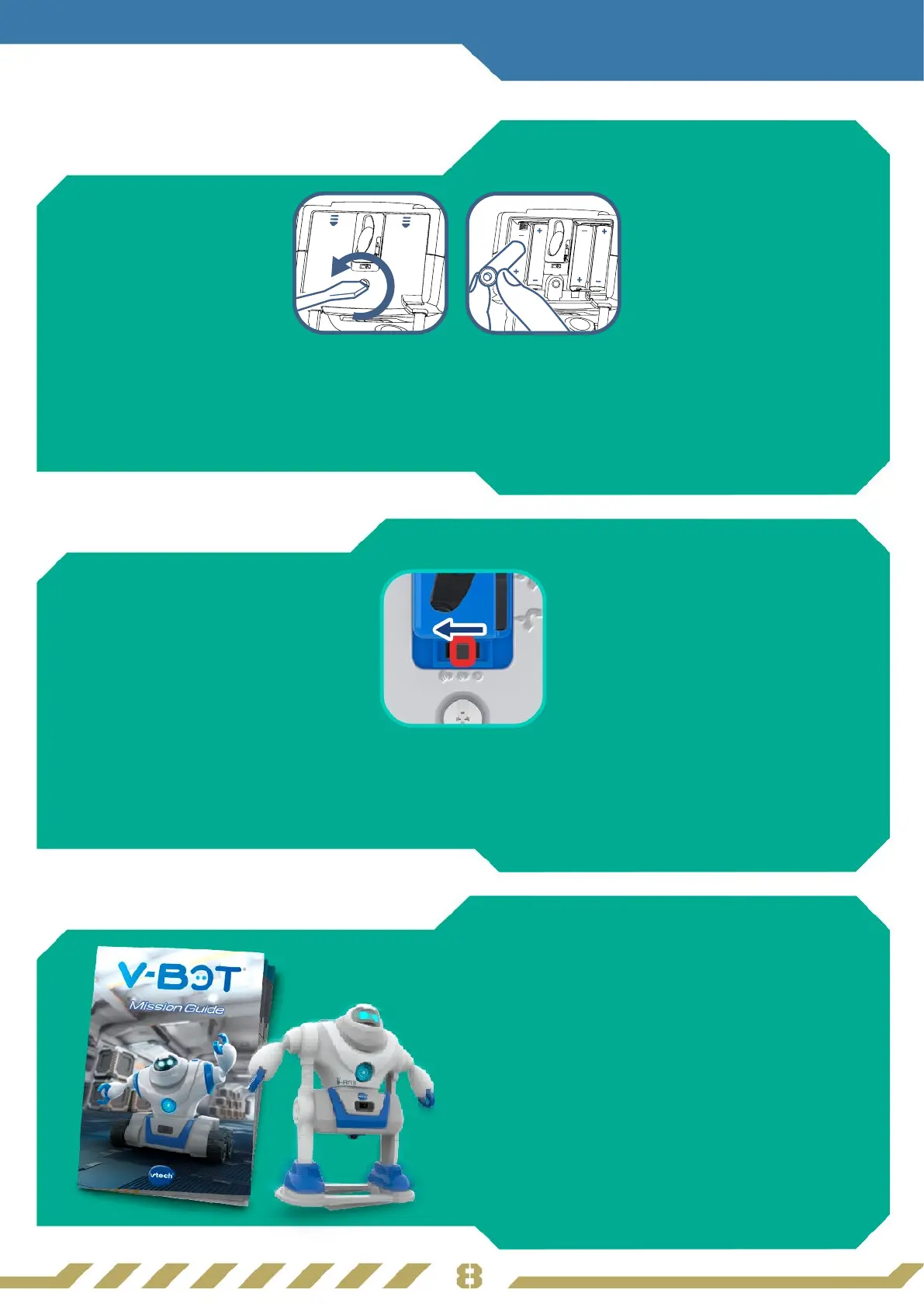
• Locate the battery compartment at the bottom of V-Bot
®
.
• Loosen the screw of the battery compartment using a screwdriver and remove the cover.
• Insert four AA alkaline batteries as indicated inside the battery compartment.
• Replace the battery compartment cover and tighten the screw.
Insert Batteries
(to be done by an adult)
1
Getting Started
Power On
2
3
• Locate the Power Switch at the bottom of V-Bot
®
.
• Turn the switch to either of the other positions to turn On V-Bot
®
with Low or
High volume.
Let’s Explore
Explore more ways to learn and play
with the included Mission Guide!



 To Next Page