6
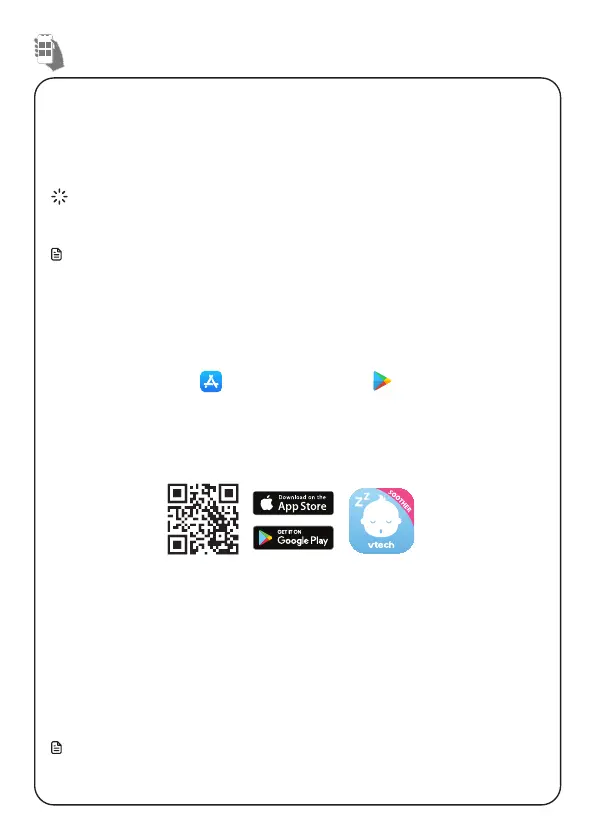
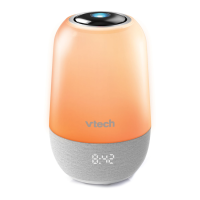
Download MyVTech Soother App to your mobile device from Apple Store or
Google Play store to gain full access of features and conveniently control your
soother. Put advanced functions to action, like customising a routine, with just a
few taps of the finger. With MyVTech Soother App, you can pamper your baby.
TIP
• Make sure your mobile device meets the minimum requirement for the mobile
app.
Note
The mobile app is compatible with:
• Android
TM
6.0 or later; and
• iOS 12 or later.
Step 1
Install MyVTech Soother App
1. Browse the App Store or the Google Play store .
2. Search for the mobile app with the keyword “MyVTech Soother“.
3. Download and install the MyVTech Soother App to your mobile device.
-OR-
Scan the QR code below to install the app.
Step 2
Connect both devices via Bluetooth
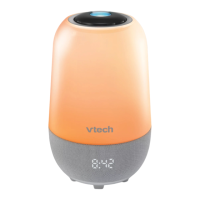
Follow the instructions in the mobile app to set up and pair your soother.
1. Tap the app icon to run the mobile app in your mobile device, and set your
mobile device to Bluetooth discoverable mode.
2. The Soother will start searching for nearby devices automatically after being
powered on.
3. Select V-Hush Pro under the list of available devices and wait for a while for
the pairing process.
Notes
• Make sure your Soother is powered on before pairing.
• Move your mobile phone near to the Soother to improve the connection.
Download the app
Download MyVTech Soother App for more premium features



 To Next Page