EP1 PRIVACY CHARGING CASE PRODUCT MANUAL | 11
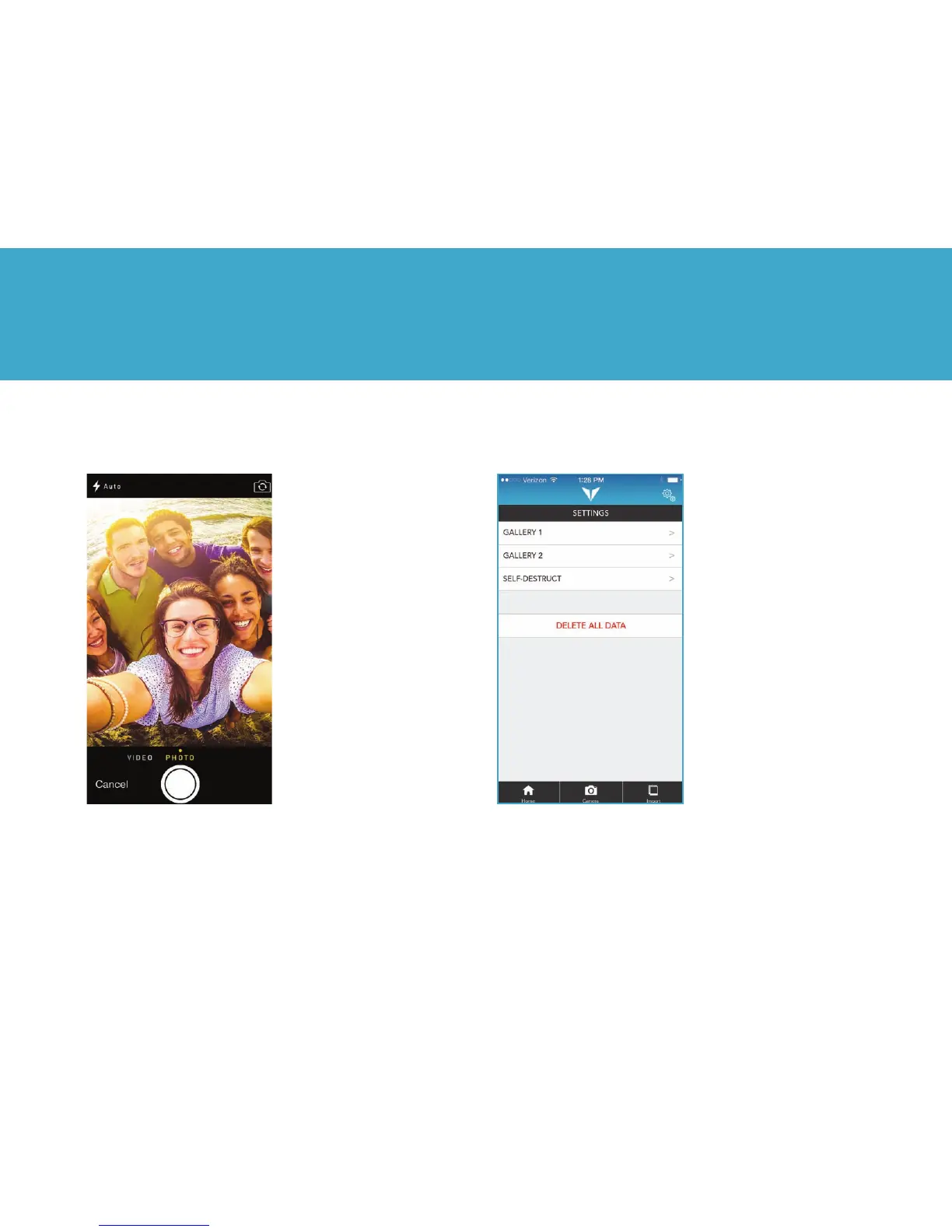
Camera Screen Functionality
Cancel Button: Closes the
camera screen and returns
to the main gallery screen
Flash Button: Turns camera
ash to on, off or auto
Rotate Camera Button:
Switches between the front
and back camera views
Shutter Button: Takes
photos or videos
Video Camera Button:
Tapping this button
will switch to the camera
into video mode. The
video camera uses the
iPhone’s internal camera
to create videos that are
stored directly in the
encrypted gallery.
Settings
The Settings menu allows
you to set PINs, activate
galleries, and delete all data.
2. VYSK EP1 App



 To Next Page