EP1 PRIVACY CHARGING CASE PRODUCT MANUAL | 10
2.2 Vysk EP1 App Functionality
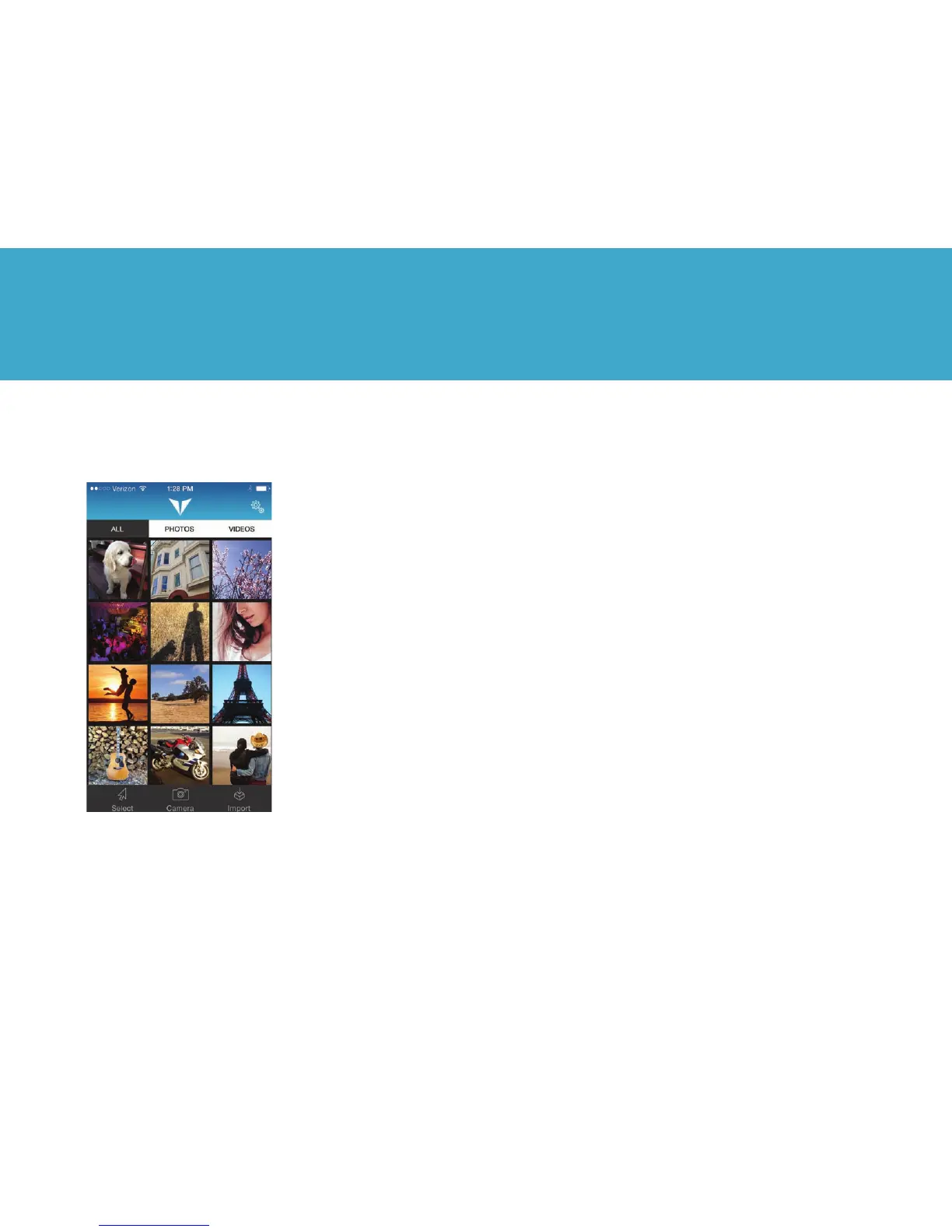
From the top navigation bar:
All: View all images and videos in the gallery
Photos: Filter gallery to only show photos
Videos: Filter gallery to only show videos
Settings: Represented by gear in the upper
right corner of the EP1 app screen, allows
you to activate a gallery or destroy all data
in an app.
From the bottom navigation
bar:
Select: Allows you to share or delete photos
and videos in your galleries.
Camera: Brings up the Camera interface to
allow you to take photos or videos using your
phone’s cameras.
Import: Enables you to import photos from
your phone’s Photos app.
2. VYSK EP1 App



 To Next Page