EP1 PRIVACY CHARGING CASE PRODUCT MANUAL | 16
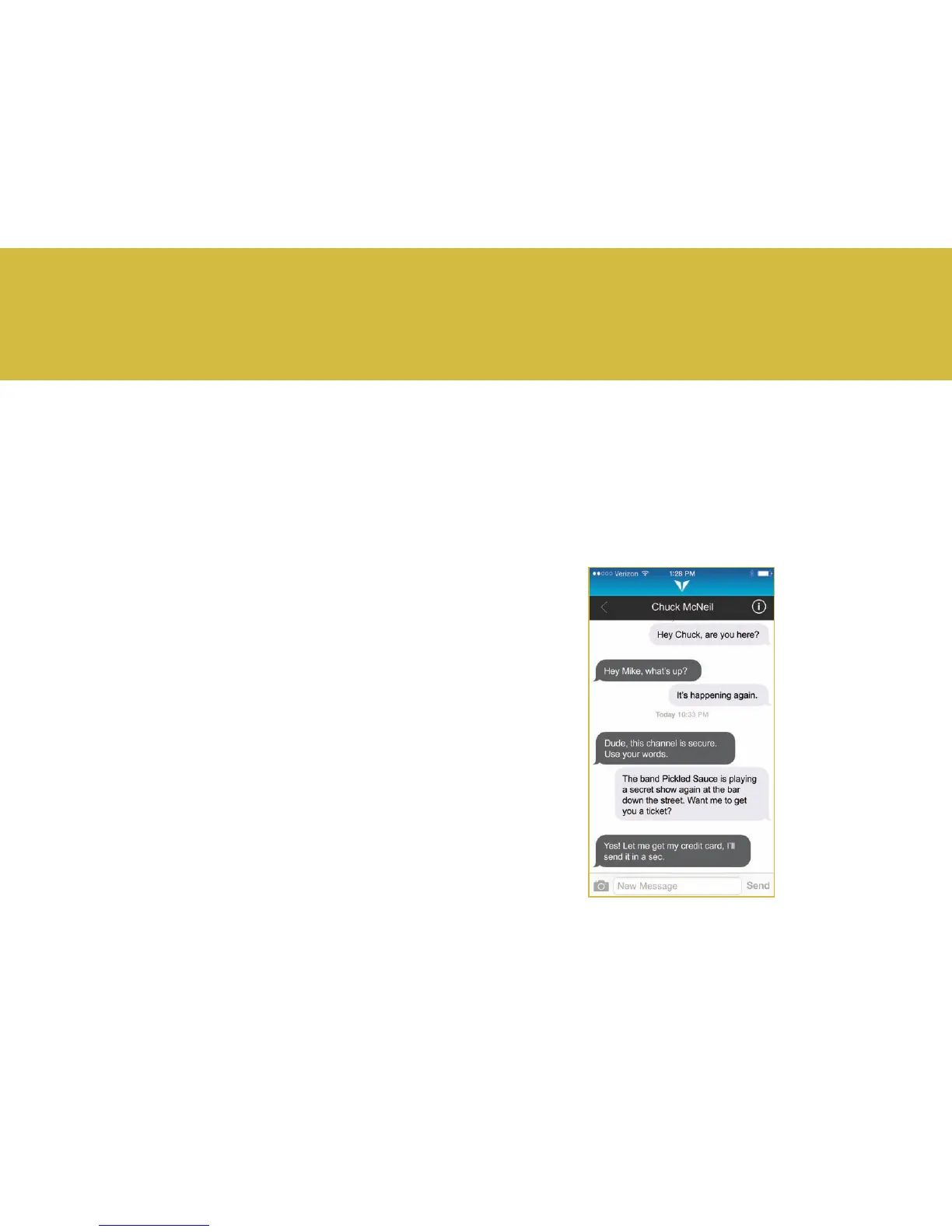
The Vysk Private Text app is a powerful app designed to encrypt
your text communication, protecting it from hackers.
Features:
• Send and receive encrypted text messages
• Send and receive encrypted video or photo attachments
• Screenshot notications warn you when someone is
taking a screenshot.
3.1 Getting Started with the Vysk Private
Text App
1. Download the Vysk Private Text app from the App Store.
2. To connect with Vysk Private Text, you will be asked to input
your phone number and country. Select your country from the
menu and type your phone number, with country code rst,
into the interface. Press Send.
3. A window will appear conrming the phone number entered.
You may tap Edit to change the number if it is not correct, or
Continue to verify your phone number. The Verifying Numbers
screen will appear while SMS verication occurs. A one-time SMS
verication code will be sent to your phone. Type the verication
code into the Vysk Private Text interface and select Verify.
NOTE: Normal SMS carrier charges will apply.
4. Select alphanumeric or PIN-format for a password.
5. Enter your desired password.
6. Tap Next or Skip to move on without setting a passphrase.
7. You are now ready to send your rst Vysk text message.
3. Vysk Private Text App



 To Next Page