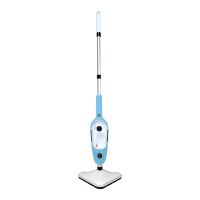
Using Your Steam Mop-Operating Instructions
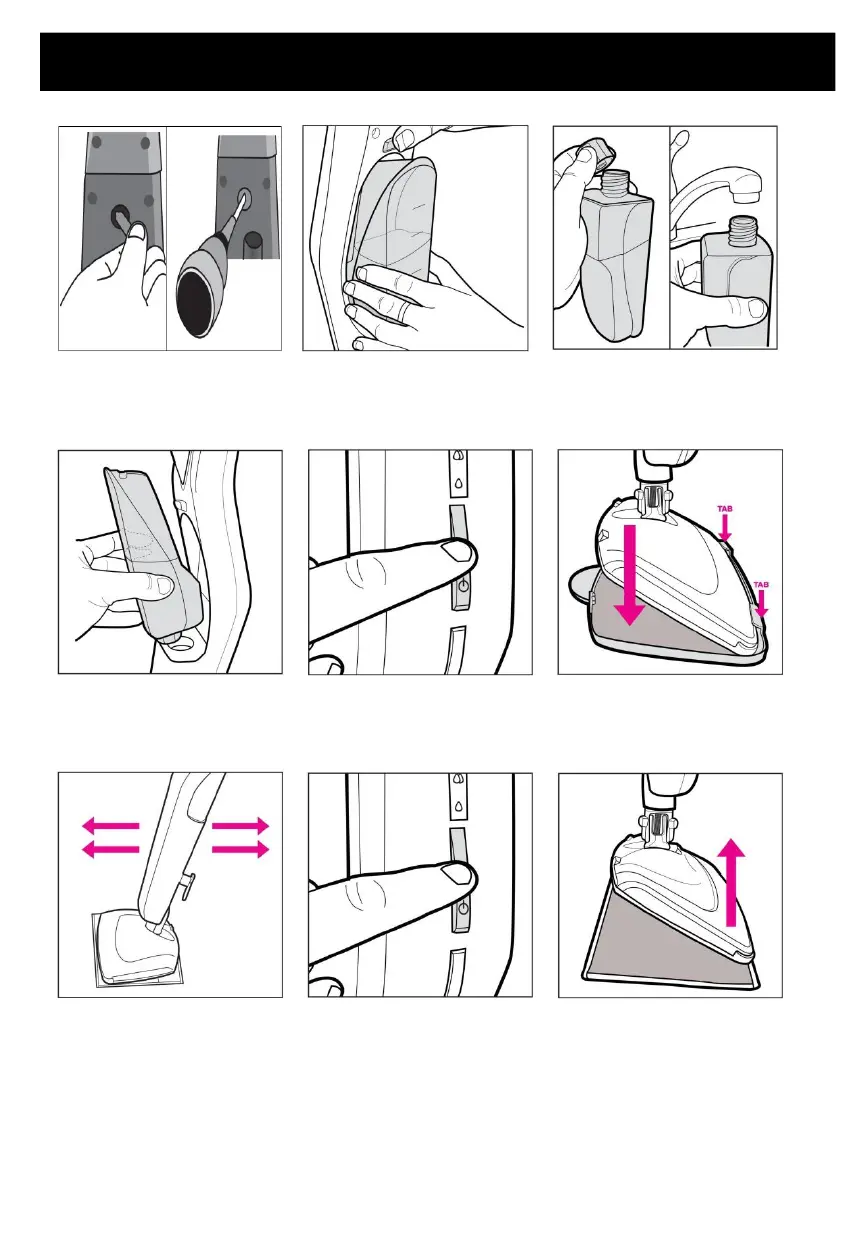
Insert screw into the hole;
tighten using a flat-head
screwdriver.
Press Water Tank Release
but- ton and remove water
tank.
Press Water Tank Release
but- ton and remove water
tank.
Tighten cap, insert tank
(cap down) until it “clicks”.
Press ON/OFF button. Wait 25
seconds for unit to heat up unit
may vibrate while heating.
Gently place unit on microfiber
pad. You are now ready to
steam clean.
Tilt handle at a 45º angle.
Push and pull slowly across
the floor to clean thoroughly.
When done, push ON/OFF
button
When unit has cooled, remove
microfiber pad. Store unit upright
in a dry area.
Always empty the water tank once you have finished using your appliance.



 To Next Page