-
TAKING CARE OF YOUR VACUUM CLEANER
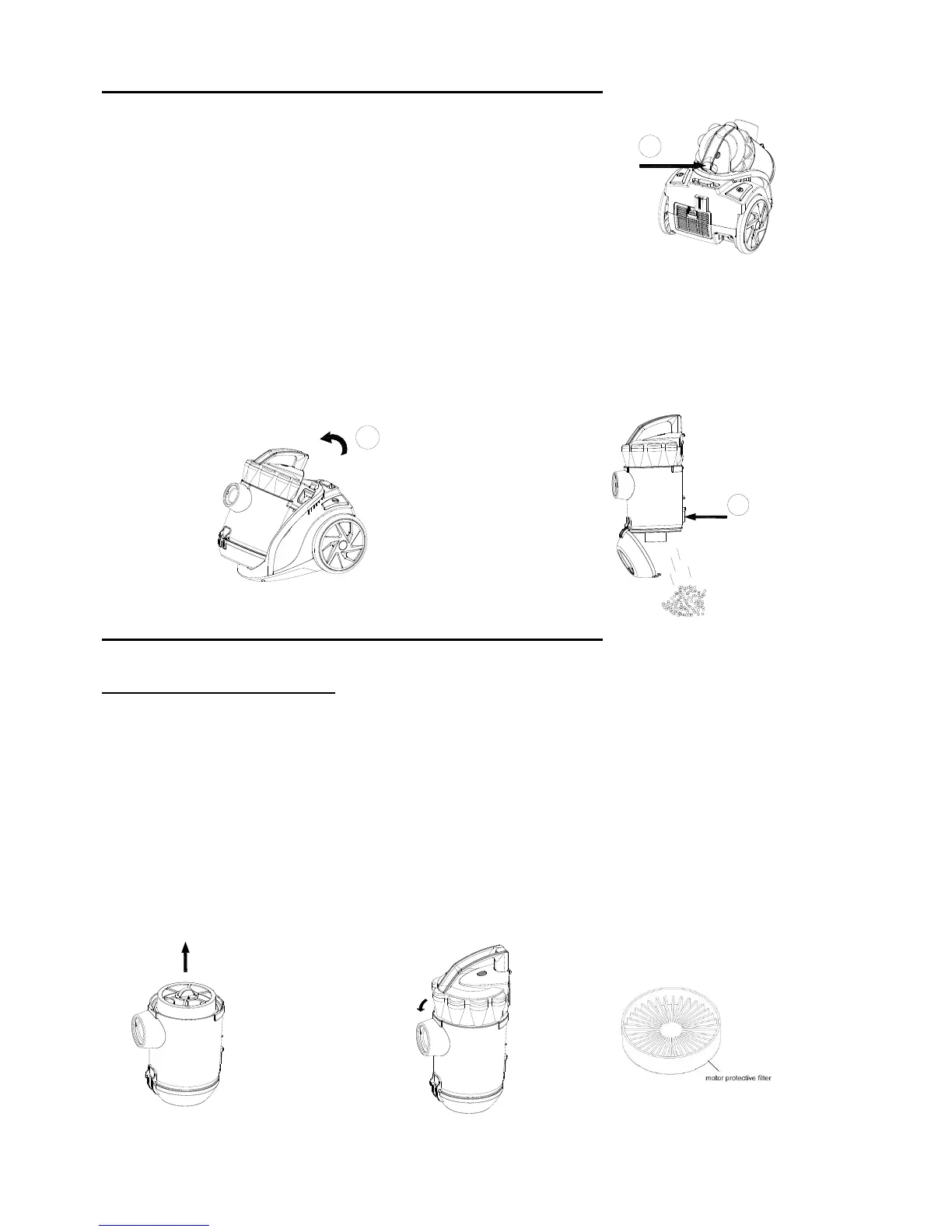
EMPTYING THE DUST CONTAINER
Empty the dust container when the dirt has reached the “MAX“
mark on the dust container or the suction power has reduced during use.
1. Switch off the vacuum cleaner and disconnect the plug from
the mains. To do this always pull on the plug and not on the cable.
2. Release the dust container by pressing down the release button (Fig 1 ).
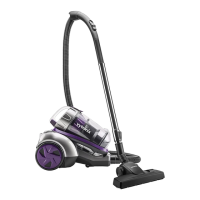
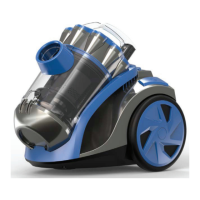
3. Lift the dust container forwards out of the cylinder vacuum cleaner. (Fig 2)
4. When emptying the dust container, hold it low over a dustbin.
5. Press the open button (Fig3 ), the base opens and the dust falls into the dustbin.
6. Carefully tap the container to loosen any remaining dirt/dust
Close the base and replace the container back onto the cleaner.
TAKING CARE OF YOUR VACUUM CLEANER
CLEANING THE MOTOR FILTER
1. Turn off and unplug cleaner.
2. Remove the dust container.
3. Open the dust container cover and take the filter out
4. Hold the motor filter over a dustbin. For a rough clean, gently tap the filter over a dustbin.
5. Place protective motor filter together back into its receptacle.
6. Close the lid until you hear it clicks into place.
7. Place the dust container onto the cylinder vacuum cleaner.
8. Check whether the dust container is securely seated.


 To Next Page