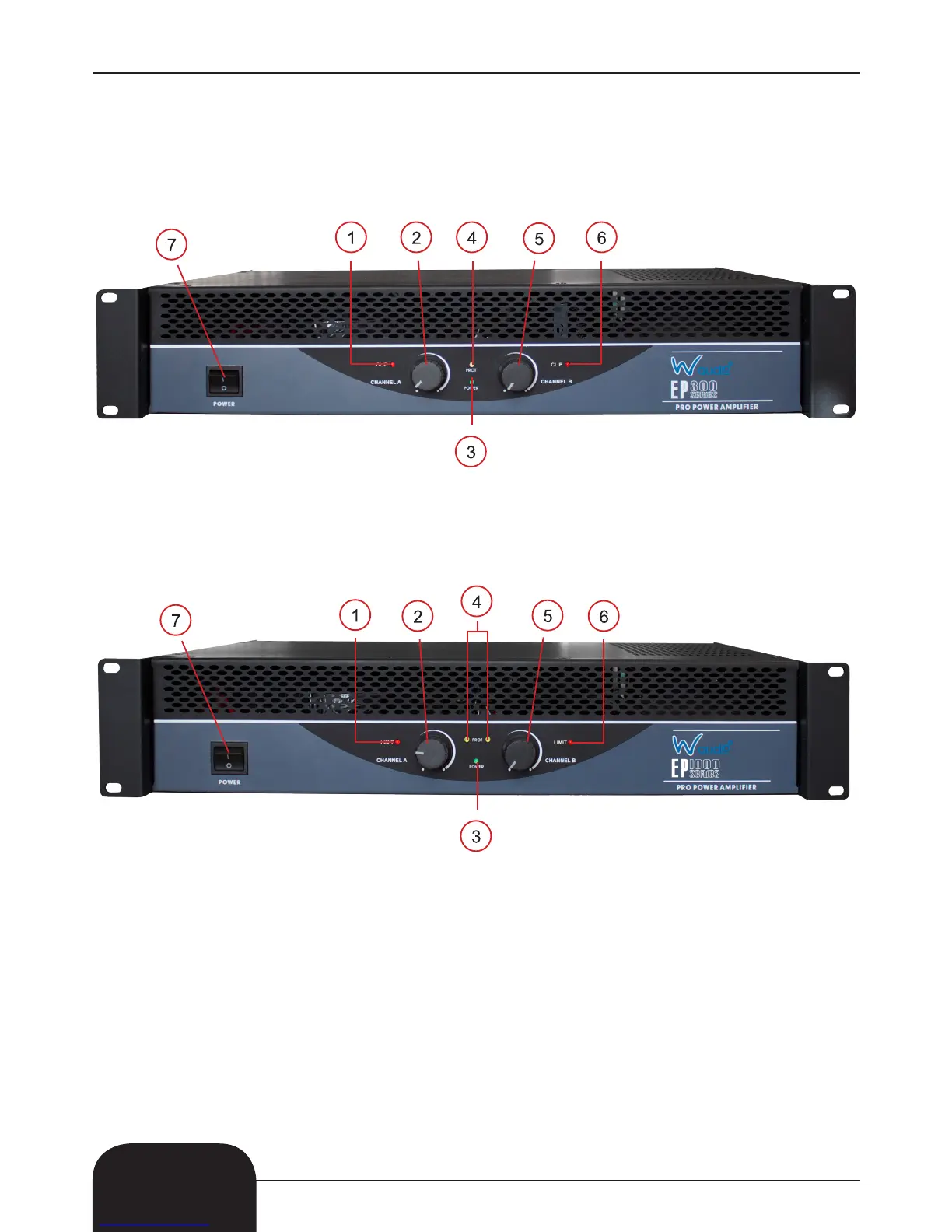
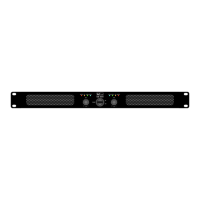
Front Panel:
• EP - 300
• EP - 500
• EP - 800
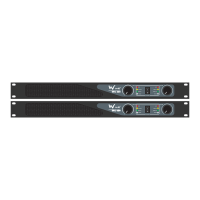
Front Panel:
• EP - 1000
• EP - 1300
• EP - 1800
1, Clip/Limit LED’s - These LED’s ash when the output signal starts distorting.
2, Gain Control: Left Channel - Adjust the desired volume here.
3, Power LED - This LED illuminates when the amplier is switched on.
4, Protect LED - If this LED is illuminated during operation, one of the protection circuits is active.
Please take the amplier out of operation and have it tested.
5, Gain Control: Right Channel - Adjust the desired volume here.
6, Clip LED - This LED ashes when the output signal starts distorting.
7, Power Switch - Press this button to start the operation.
8, Parallel LED - This LED illuminates in parallel.
9, Bridged LED - This illuminates in bridged mode.
3



 To Next Page