EasyManua.ls Logo

W Audio Horizon 300 - User Manual

Default Icon
11 pages
Print Icon
To Next Page IconTo Next Page
Loading...
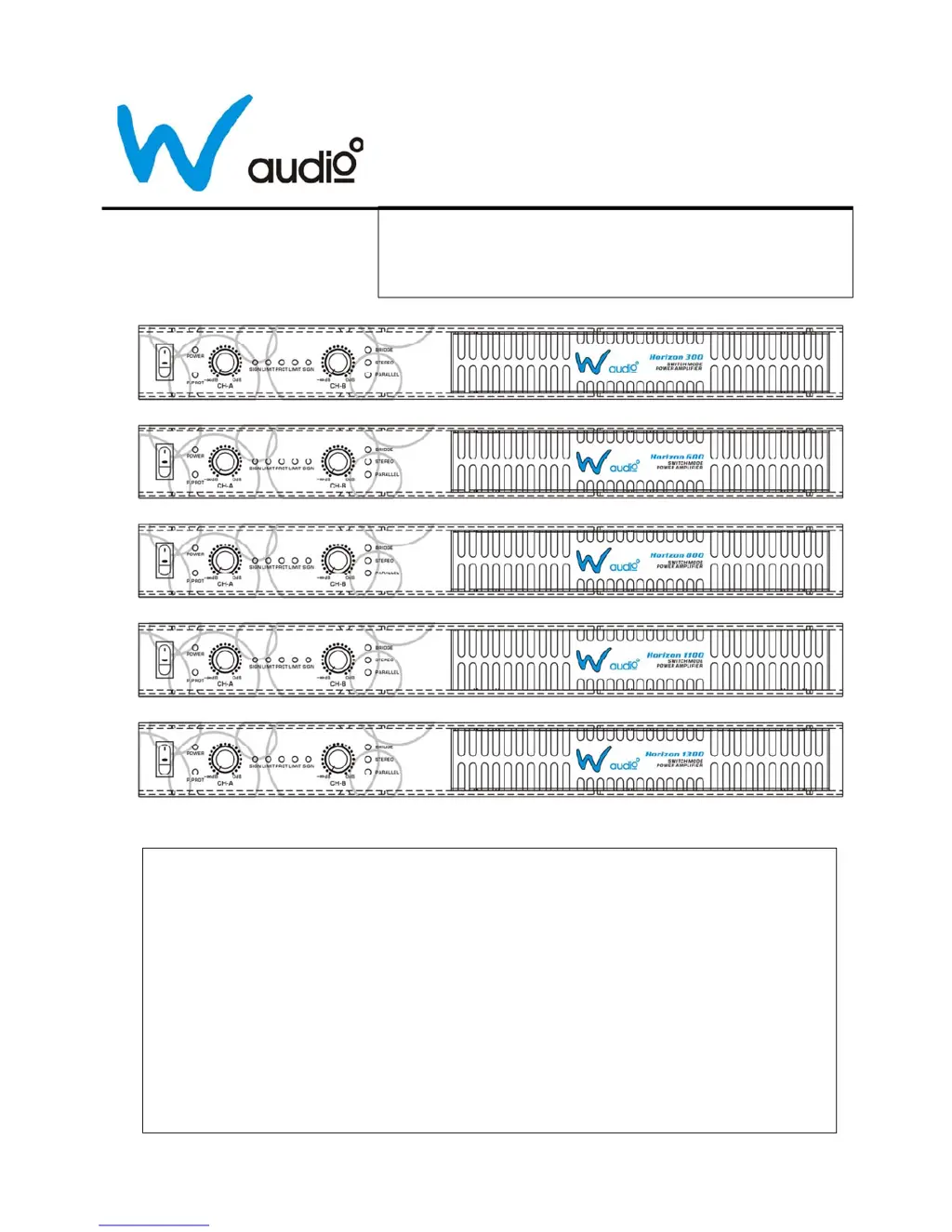
Professional Power Amplifier
HORIZON SERIES
USER MANUAL
Thank you for buying this W Audio product. To take full advantage
of this product, please keep this manual and read the operating
instructions carefully.
Content
z Safety instruction……...……………………...1 z Connections (Signal output)..……………..6
z Main features.....……….……………………..2 z General operation. ………………………...7
z Precaution…………….……….……….……..2 z Maintenance……………………………..…7
z Front Panel ………..….…..………………….3 z Trouble shooting. ……………….…………8
z Rear Panels………….…………………….…4 z Specification.…………………………........9
z Connections (Signal input )………...............5 z Correct disposal of this product..…........10

Questions and Answers

  • E
    emilydeanJul 26, 2025
    What to do if my W Audio Horizon 300 has no sound?
    • H
      harrisgaryJul 26, 2025
      If your W Audio Amplifier isn't producing any sound, consider these possibilities: * Ensure the signal source equipment is connected to the amplifier and powered on. * Verify the speaker is securely connected and in good working order. * Confirm the connection between the amplifier and speaker is correct. * Check for thermal protection issues by ensuring the amplifier isn't overloaded and has proper ventilation; also, inspect the fans and ventilation slots.
  • M
    Michael DavisAug 5, 2025
    How to fix a W Audio Horizon 300 that has no response when powered on?
    • D
      Danielle PatrickAug 5, 2025
      If your W Audio Amplifier doesn't respond when you turn it on: * Ensure the power is turned on. * Check that the power cord is firmly connected to the mains supply. * Inspect the fuse on the rear panel after turning off the power and replace it with the same type if it's blown.
  • A
    Adrienne HarrisAug 15, 2025
    Why is the output volume inadequate on my W Audio Amplifier?
    • J
      justinbradleyAug 15, 2025
      If the output volume on your W Audio Amplifier is inadequate: * Ensure the signal input level is appropriately adjusted. * Increase the input voltage of the signal source equipment or adjust the input sensitivity of the amplifier.

Summary

Safety Instructions

Main Features

Precautions

Front Panel Overview

Rear Panel Overview

Signal Input Connections

Unbalanced Wiring

Details signal input using a 1/4" mono Jack for CHA & CHB.

Balanced XLR Input Connections

Explains CHA & CHB input/link using XLR (female) connectors.

Signal Output Connections

Stereo Mode Output

Describes signal output using Speakon for stereo mode CHA & CHB.

Bridge Mode Output

Explains signal output for bridge (BTL) mode using Speakon connector.

Parallel Mode Output

Details signal output for parallel mode using Speakon connector.

General Operation

General Operation Procedures

Step-by-step guide for connecting and powering on the amplifier.

Mode Specific Operation Procedures

Detailed procedures for Stereo, Bridge, and Parallel operating modes.

Troubleshooting

Specifications

Product Disposal Guidelines

W Audio Horizon 300 Specifications

General IconGeneral
BrandW Audio
ModelHorizon 300
CategoryAmplifier
LanguageEnglish

Related product manuals