4-6 BA E16 en* 1.0 * E16_10_400.fm
4 Putting into operation
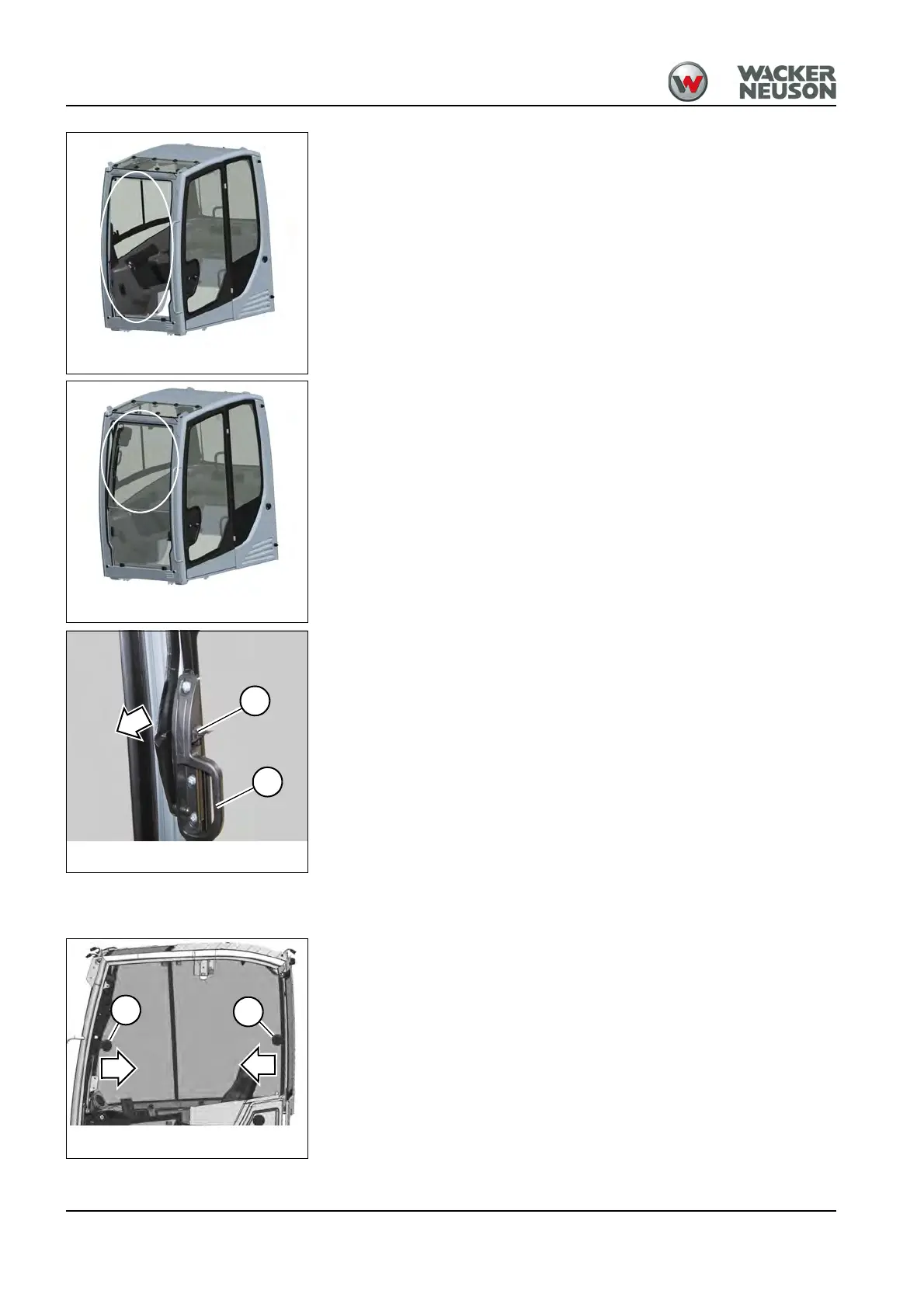
Opening the whole front window
1. Open the lower front window as described on page 4-5.
2. Open both windows together as described on page 4-4.
Closing the whole front window
1. Close both windows together as described on page 4-4.
2. Close the lower front window as described 4-5 on page.
Opening the front window to a gap (ventilation position)
Open
1. Press levers A on the left and right, and slightly pull handles B on the
left and right.
➥ The front window is unlocked.
2. Release levers A and pull handles B on the left and right until the front
window locks into place.
Opening/closing the side windows
Both side windows on the right can be opened.
Open
Press the handle C and open the side window.
Close
Press the handle C and close the side window.










 To Next Page