6
Using the ExpressKey Remote
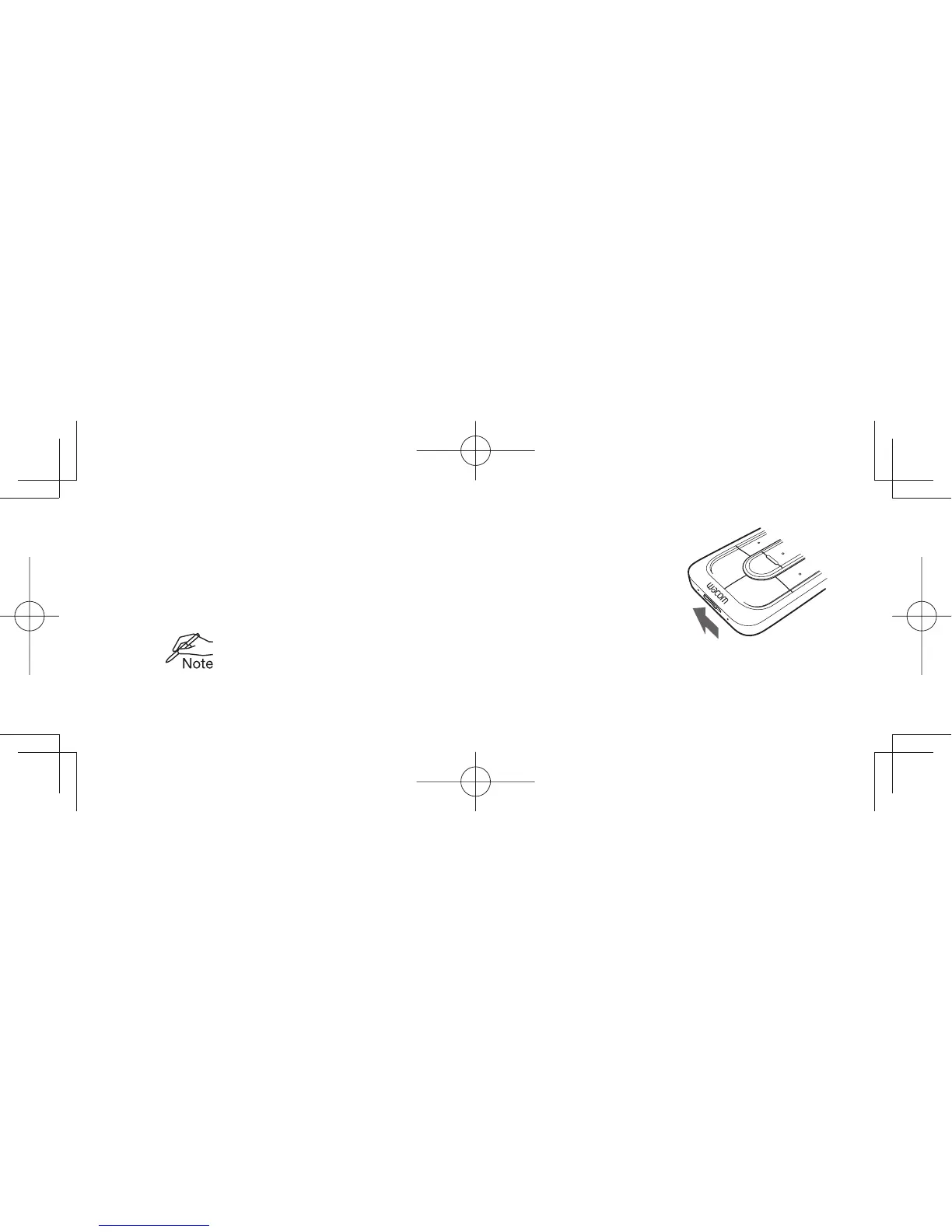
1. To start using the ExpressKey Remote, slide the Power Slide button to the left.
The ExpressKey Remote goes into Sleep mode if not used for a certain
length of time. To wake it up, slide the Power Slide button and release.
The ExpressKey Remote is already paired with the wireless receiver.
If it is not paired, slide and hold the Power Slide button for 5 seconds.
When the Status LED fl ashes blue, the pairing process is fi nished and the
LED is turned off automatically.
Slide the Power Slide
button to the left


 To Next Page