7
EN FR ES
PT-BR
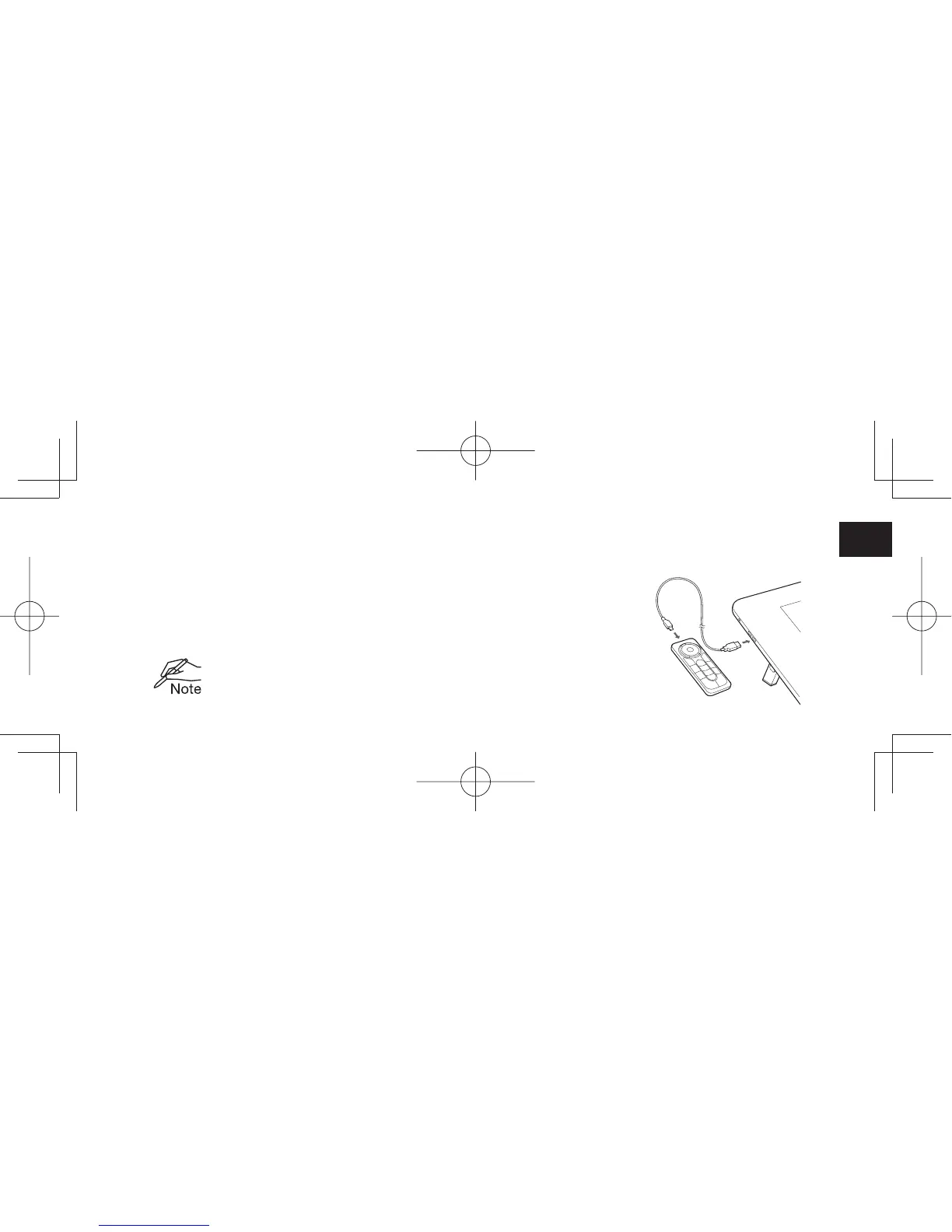
Charging the ExpressKey Remote
1. Recharge using micro USB cable plugged into the device’s USB port.
For further information, see ExpressKey Remote Help topics.
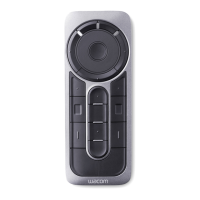
2. The ExpressKey Remote buttons have defaults for popular software applications. Button assignments
can be changed in the control panel. See ExpressKey Remote Help topics for details.


 To Next Page